Employee Compensation
The list of staff and drivers with their pay figures, and the detail page of one employee with payroll, loan, expenses, leave, fines and allowance.
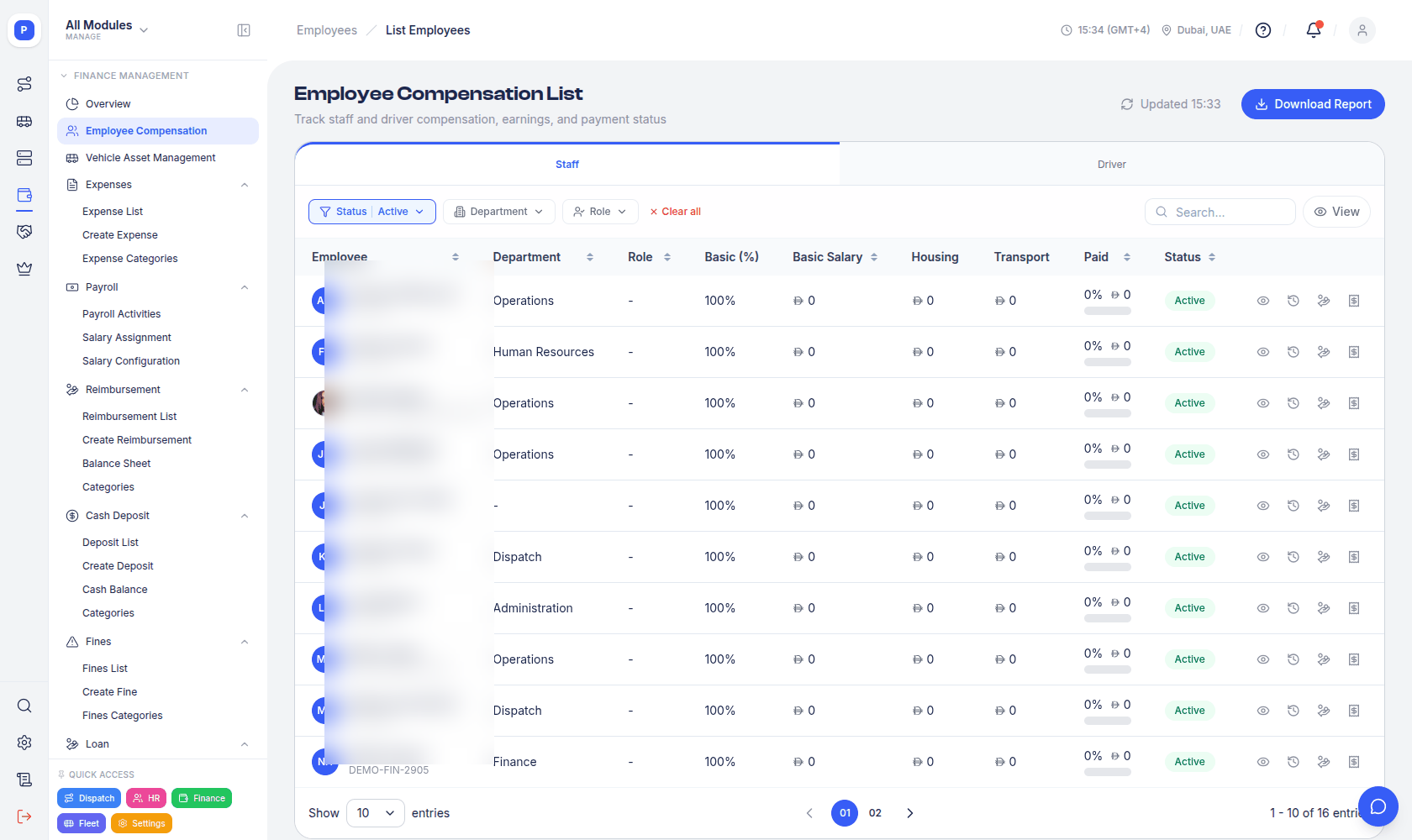
Finance > Employee Compensation lists the company's employees in two groups, Staff and Driver, with what each is paid and how much of it has been paid. A row opens the detail page of that employee.
Permissions
The page opens for roles that have the Employee Compensation permission (view). The detail page shows the Expenses tab only to roles that can view Expense List and the Leave tab only to roles that can view Employee Management.
The list
The title is Employee Compensation List ("Track staff and driver compensation, earnings, and payment status"). On the right, Updated hh:mm reloads the data and Download Report saves the list on screen as a CSV file.
The tabs Staff and Driver switch between the two lists. A toolbar sits under them:
| Control | What it does |
|---|---|
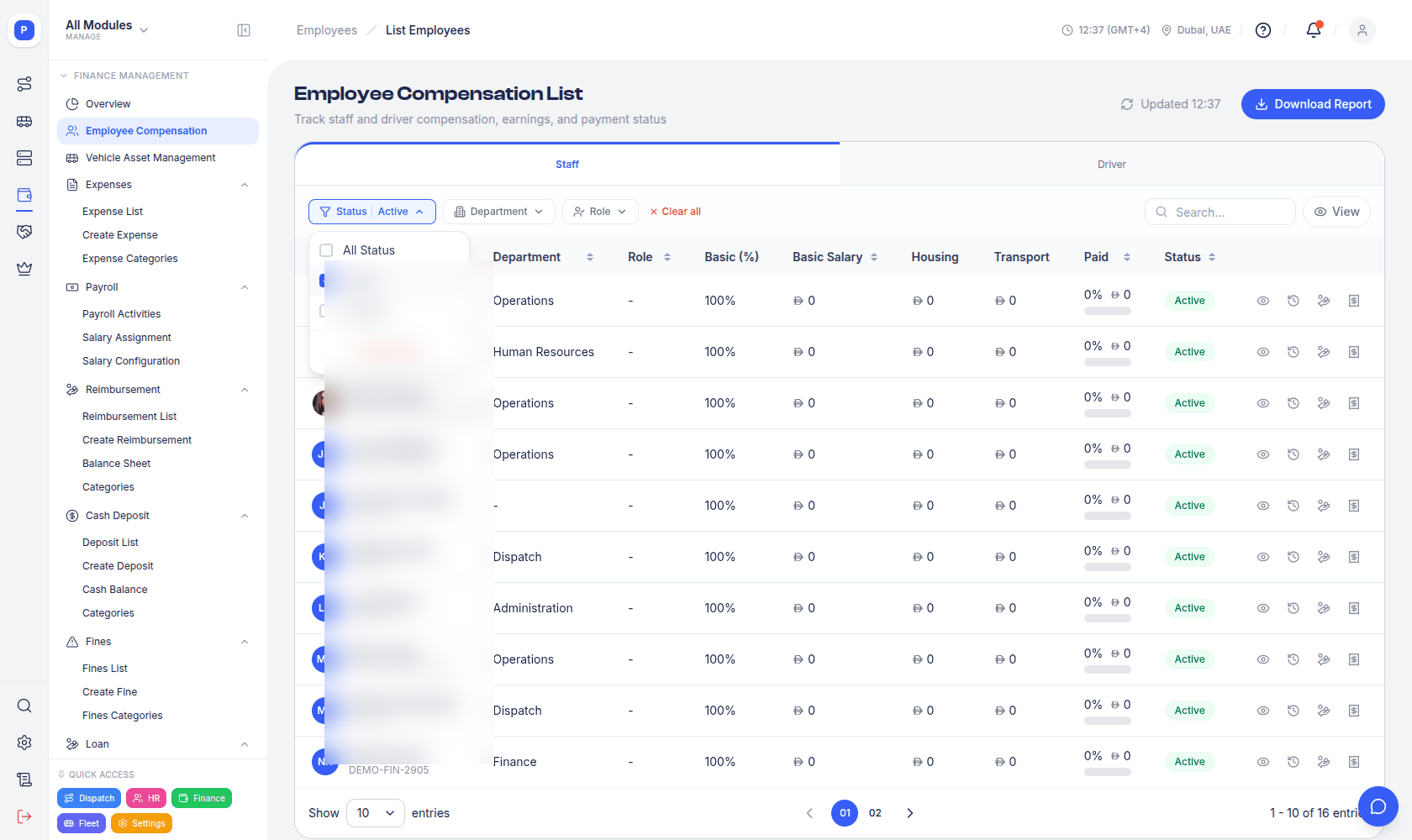
| Status | All Status, Active (the default) or Inactive |
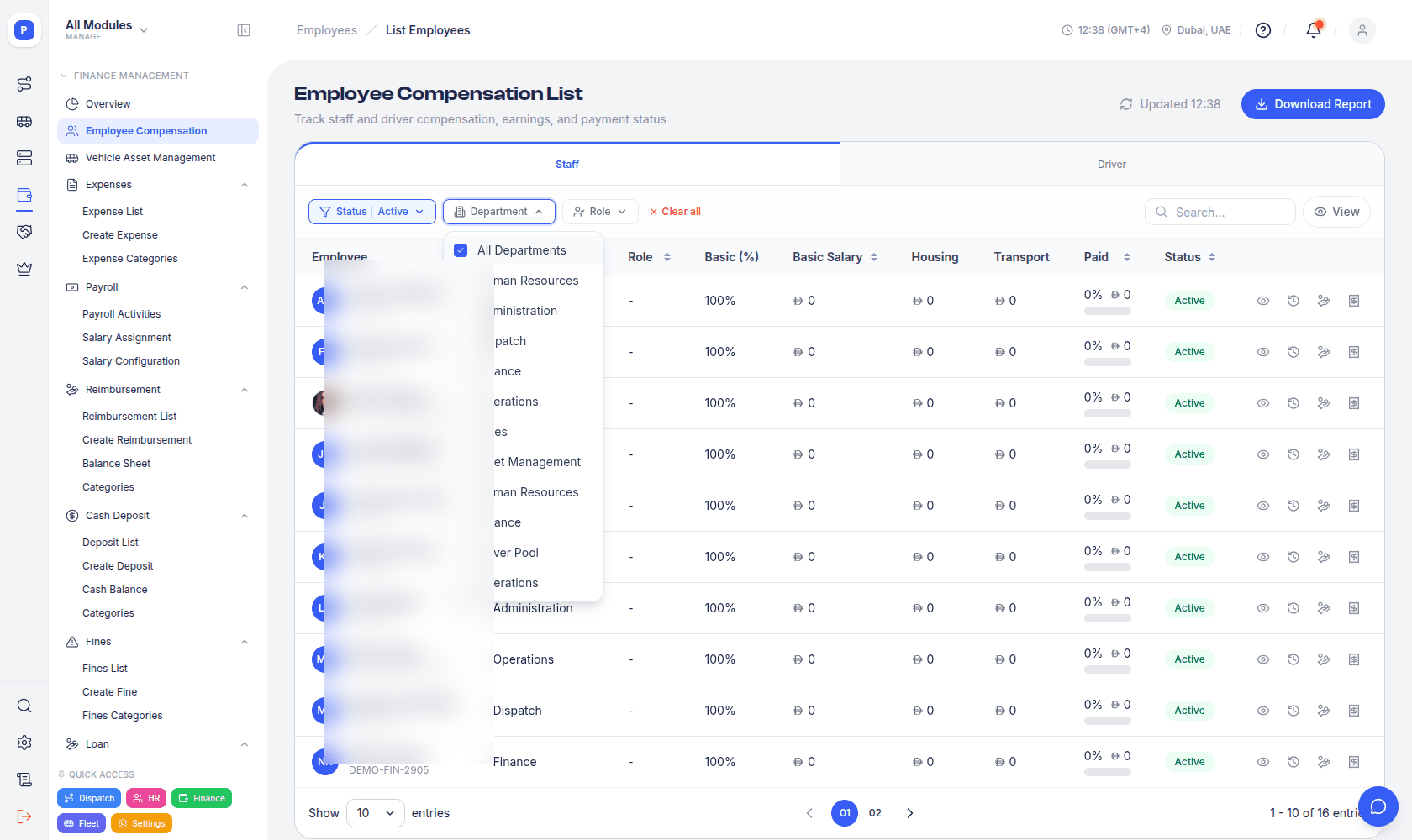
| Department, Role (Staff tab) | Narrow the list to one department or role |
| License (Driver tab) | All Licenses, Light or Heavy |
| Clear all | Resets the filters (shown when one is on) |
| Search... | Finds an employee by name |
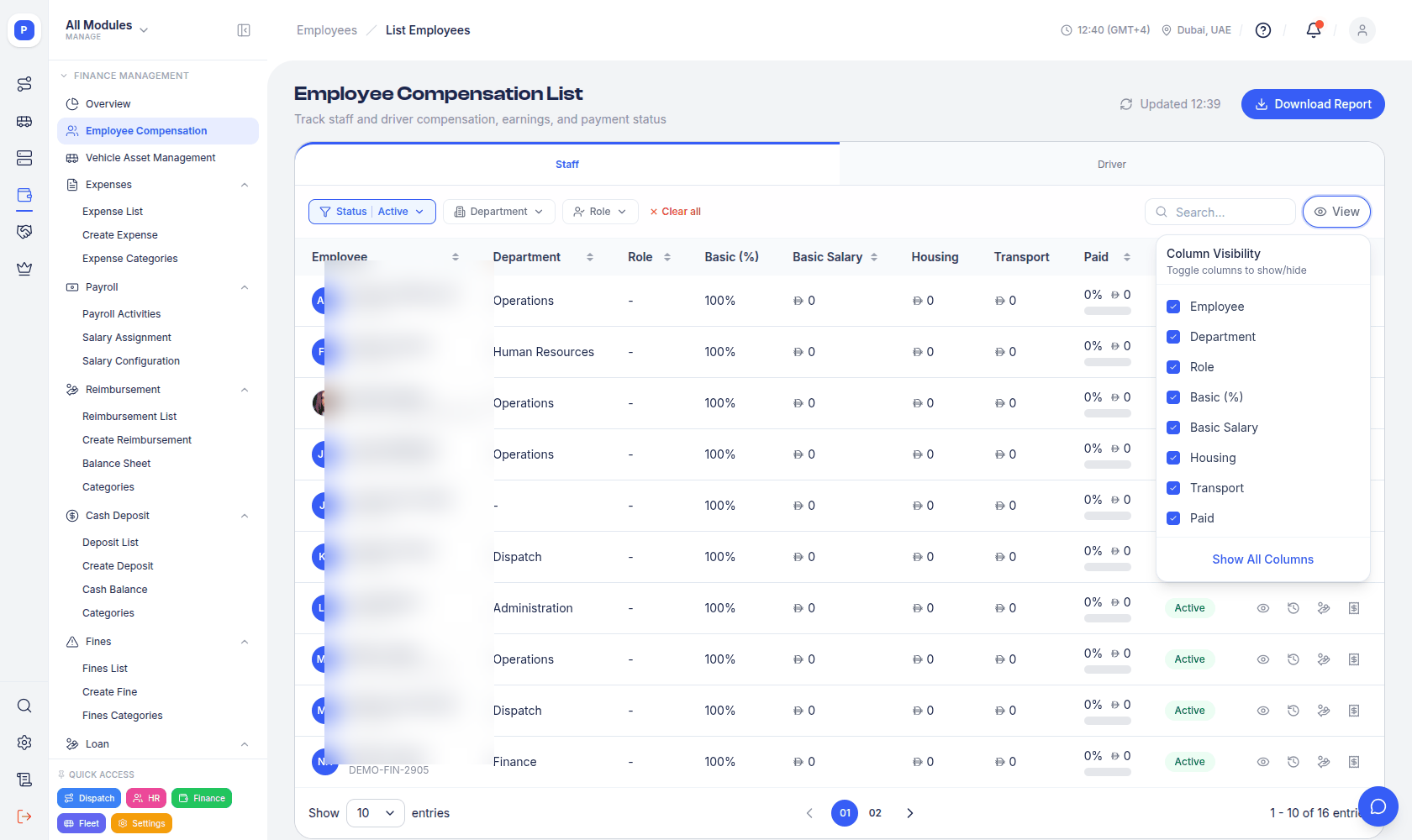
| View | Chooses the columns (Column Visibility - Toggle columns to show/hide, Show All Columns) |
Staff columns
| Column | Shows |
|---|---|
| Employee | Name and employee number |
| Department, Role | As on the employee record (- when empty) |
| Basic (%) | Always 100% |
| Basic Salary | The base salary of the employee |
| Housing, Transport | Always 0 |
| Paid | The employee's earnings, with a progress bar |
| Status | Active or Inactive |
Driver columns
| Column | Shows |
|---|---|
| Driver | Name and employee number |
| Vehicle | The assigned vehicle (name and plate) |
| License | The license type |
| Commission (%) | Always 0% |
| Commission | The commission earned |
| Deductions | The expenses counted against the driver |
| Balance | The outstanding loan |
| Paid | The earnings, with a progress bar |
| Status | Active or Inactive |
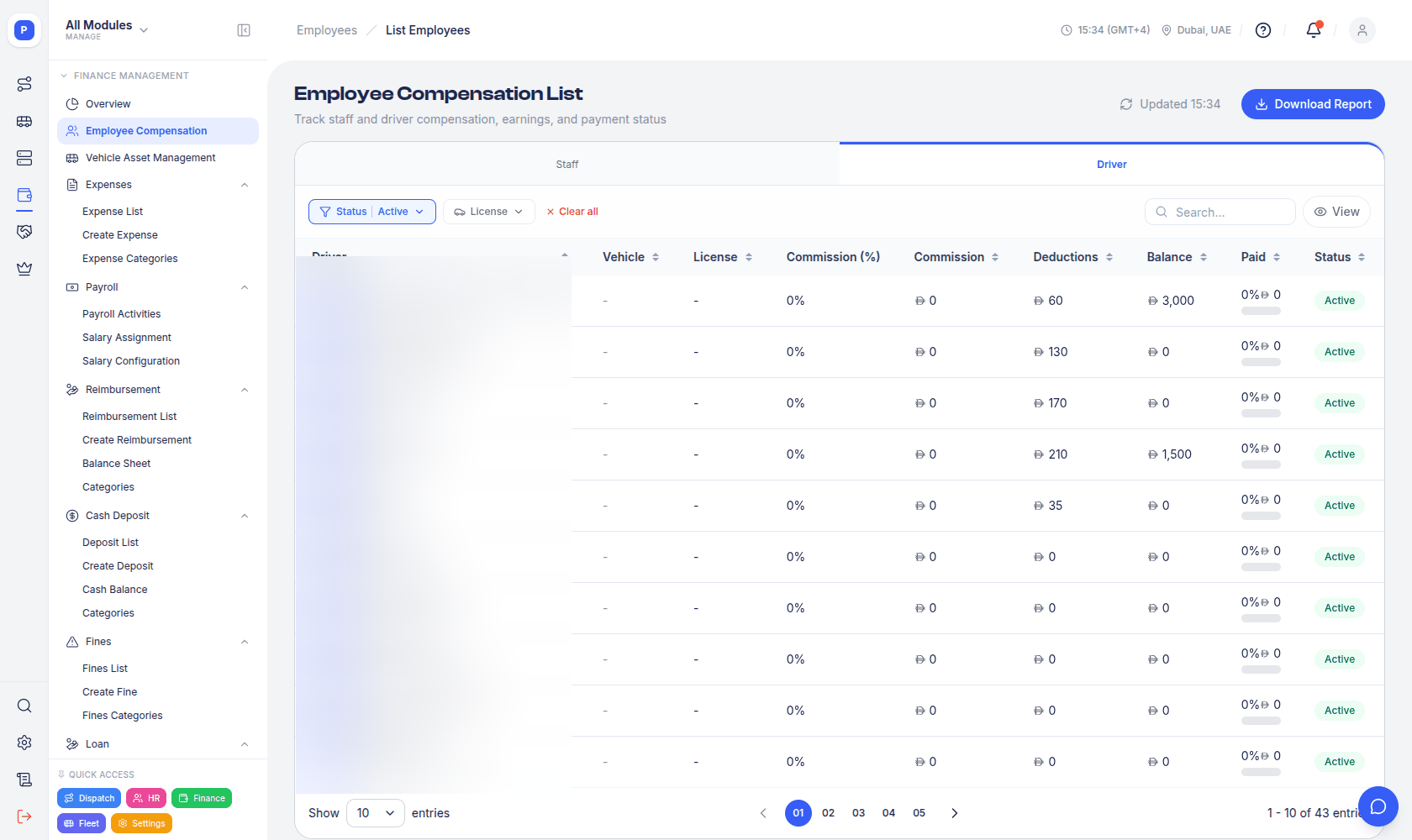
At the time of writing some columns are placeholders: Basic (%) is always 100 %, Commission (%) is always 0 %, Housing and Transport are always 0, and the License filter does not change the list (it is not sent to the server). The Download Report CSV has its own columns: Employee, Department, Role, Salary Type, Base Salary, Earnings, Status for staff and Driver, Vehicle, License, Salary Type, Commission, Expenses, Outstanding Loan, Earnings, Status for drivers; the file is named staff-compensation or driver-compensation.
The row buttons
Each row has four buttons (the same four appear in the right-click menu of a row):
| Button | Opens |
|---|---|
| View Detail (eye) | The detail page of the employee |
| Fine History | A window History Fines: the employee, a Fines Frequency Level, Total Fines and Total Fines Amount, and a ring chart by fine type |
| Loan History | History Loan: a Loan Frequency Level, Total Loan, Total Loan Amount, the split into Loan, Fines and Advance Salary, and History Repayment (NO LOAN HISTORY when there is none) |
| Expense History | History Expenses: an Expenses Frequency Level, a period list (This month), Total Expenses and Total Expenses Amount, and a ring chart by expense category |
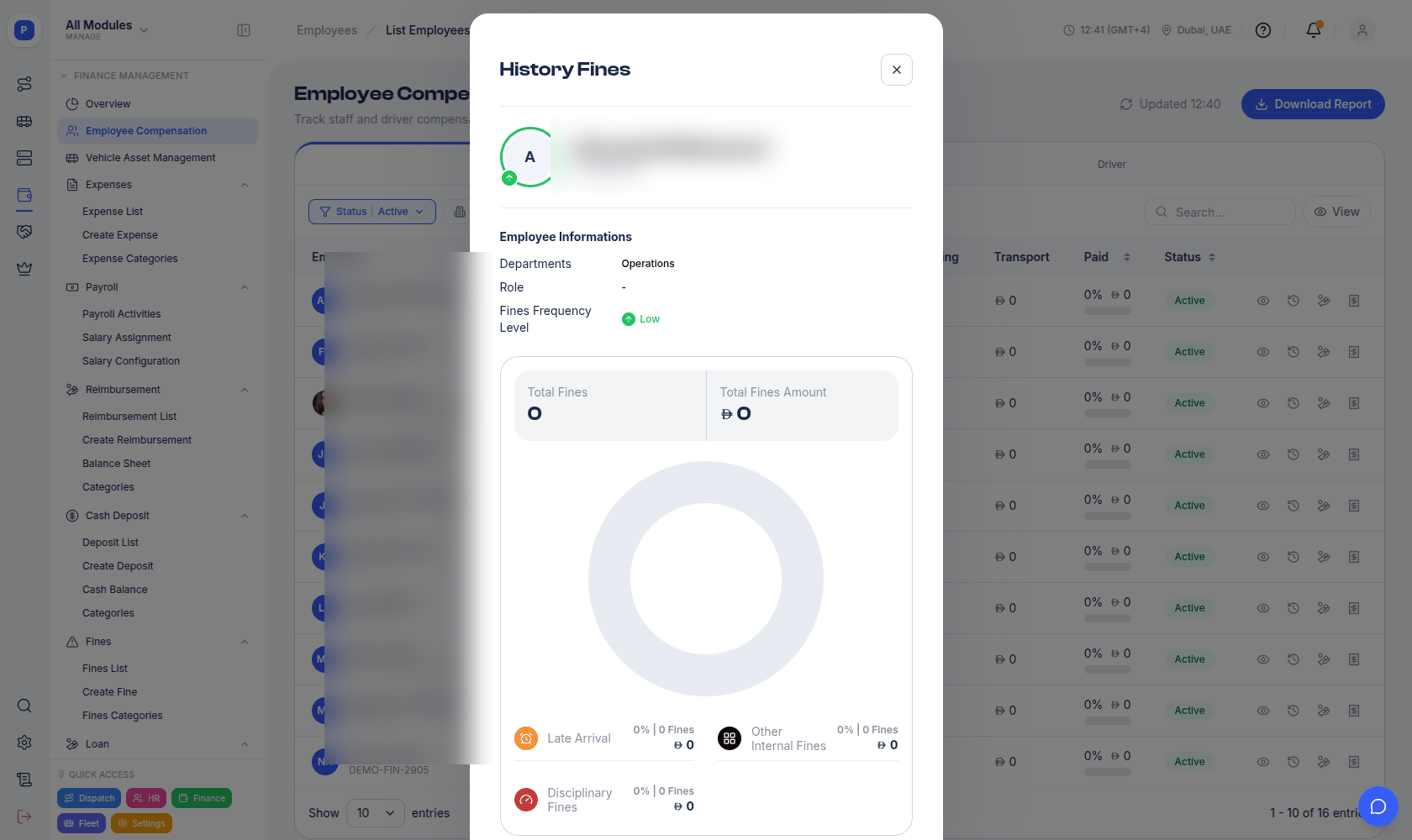
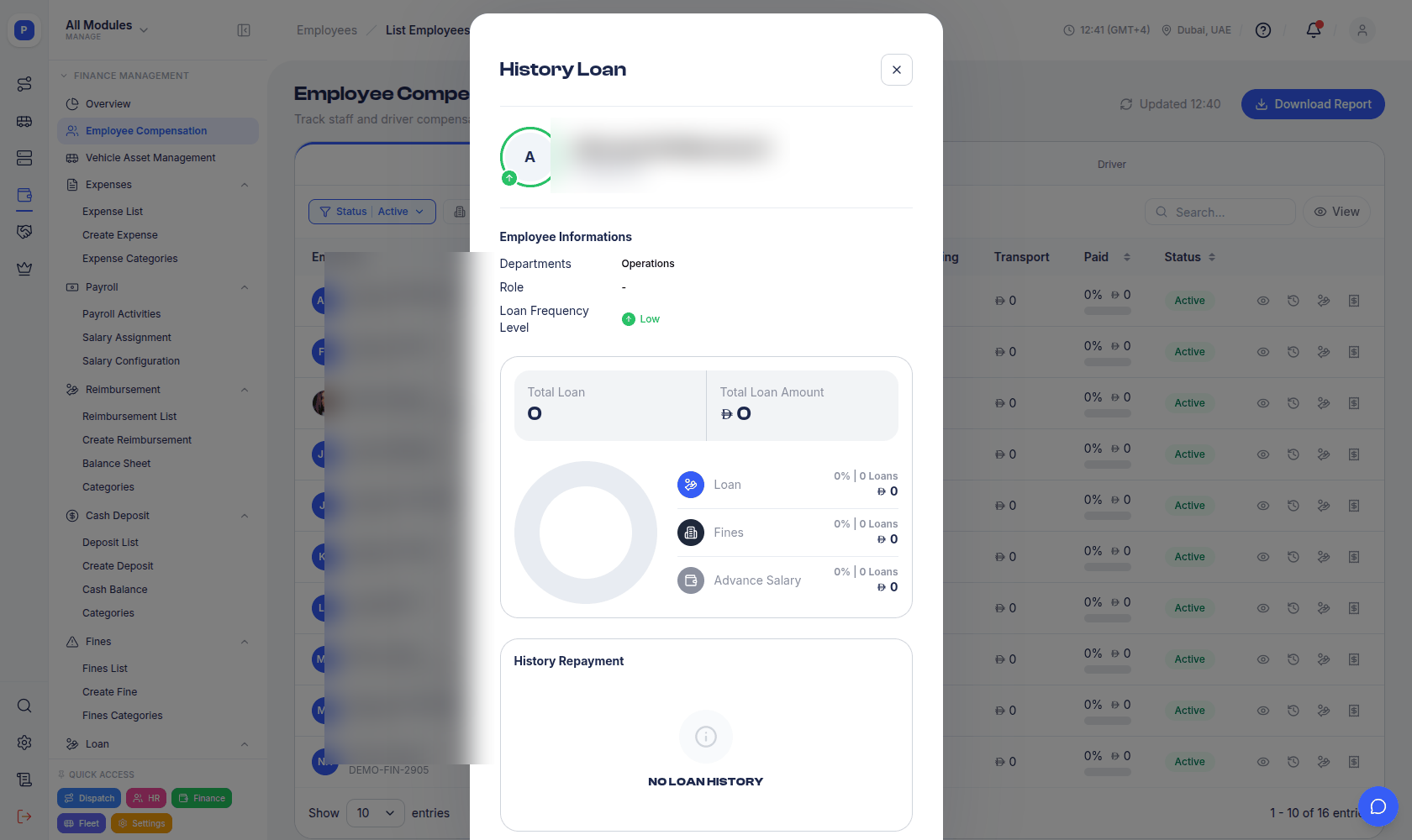
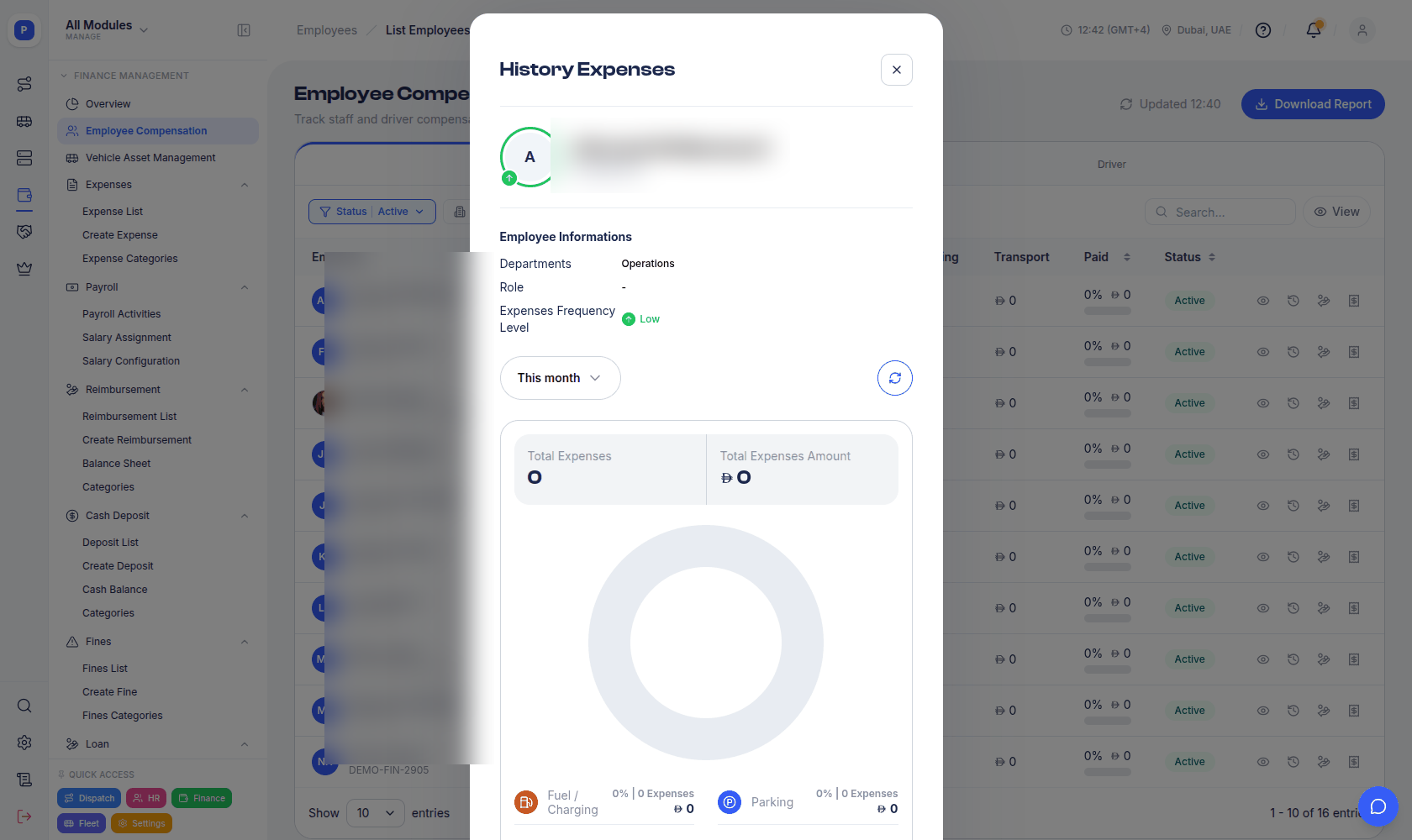
With no match the list says No Staff Found / No Drivers Found ("No ... compensation records match your search").
The detail page
View Detail opens the page of one employee: a header with the photo, the Active badge, the name, department and employee ID, and the tabs Overview, Payroll, Loan, Expenses, Leave, Fines and Allowance.
Overview
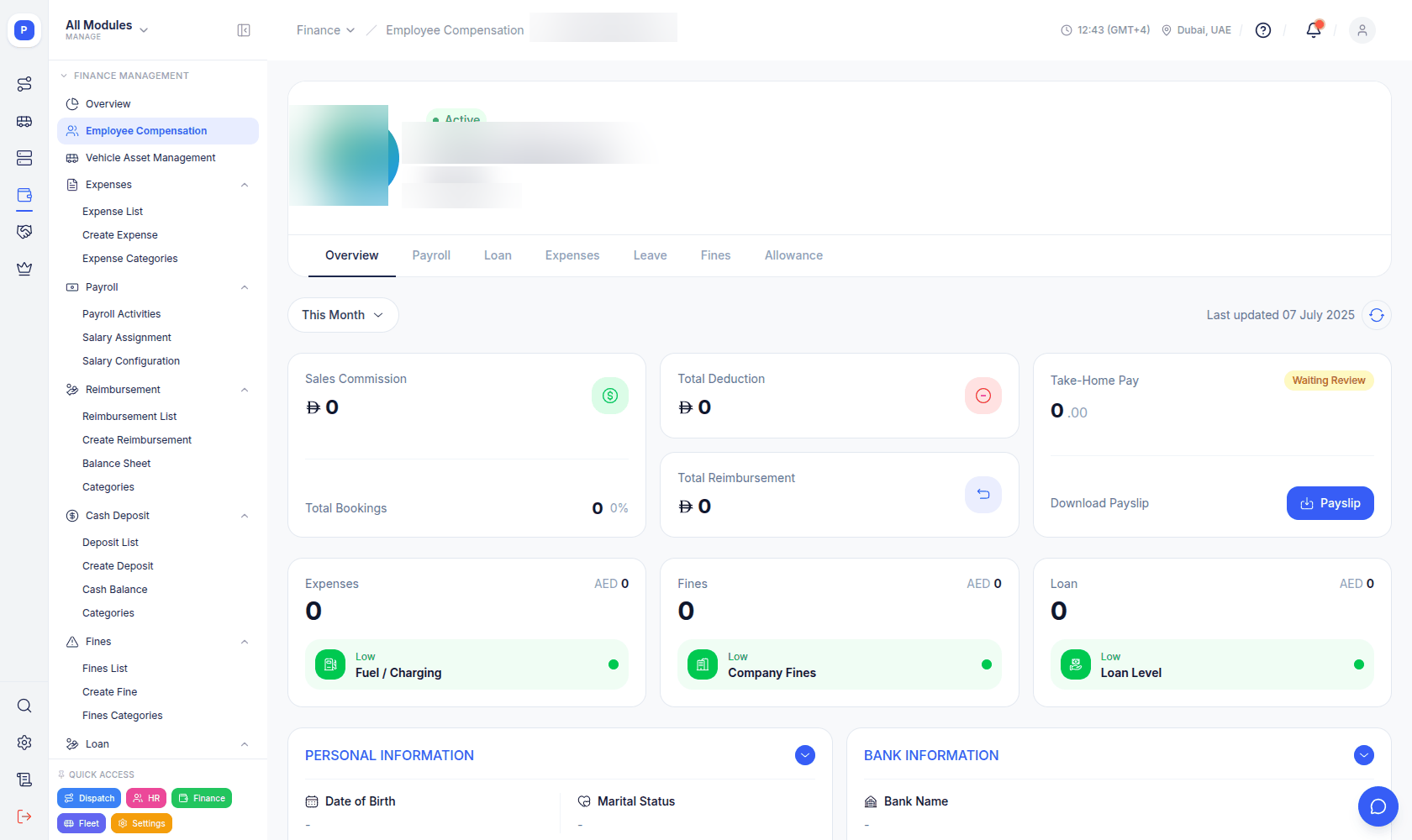
The cards are different for a driver and for staff. For a staff member: Sales Commission with Total Bookings, Total Deduction, Total Reimbursement, and Take-Home Pay with its status (for example Waiting Review) and a Payslip button; then Expenses, Fines and Loan with a level (Low, Medium or High) and the biggest category. Further down, collapsible blocks hold PERSONAL INFORMATION (date of birth, marital status, gender, experience, e-mail ...) and BANK INFORMATION (Bank Name, Bank Number, Beneficiary Name, IBAN). A driver sees Total Revenue, Target Commission and Sales Commission first.
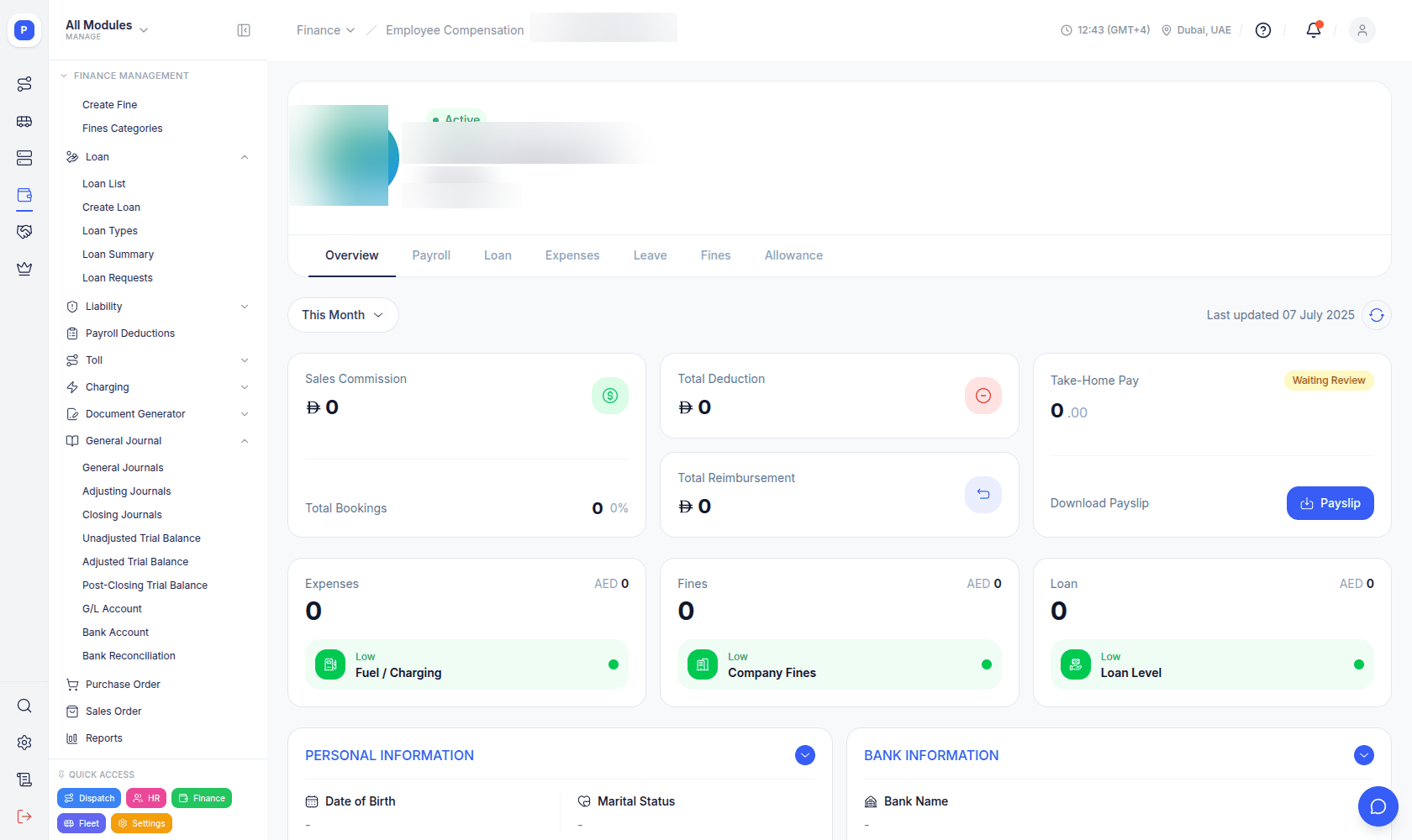
On the Overview tab the period button (This Month) and the refresh button do nothing, "Last updated 07 July 2025" is a fixed text, and the Payslip buttons are not connected to a download.
The other tabs
| Tab | Shows |
|---|---|
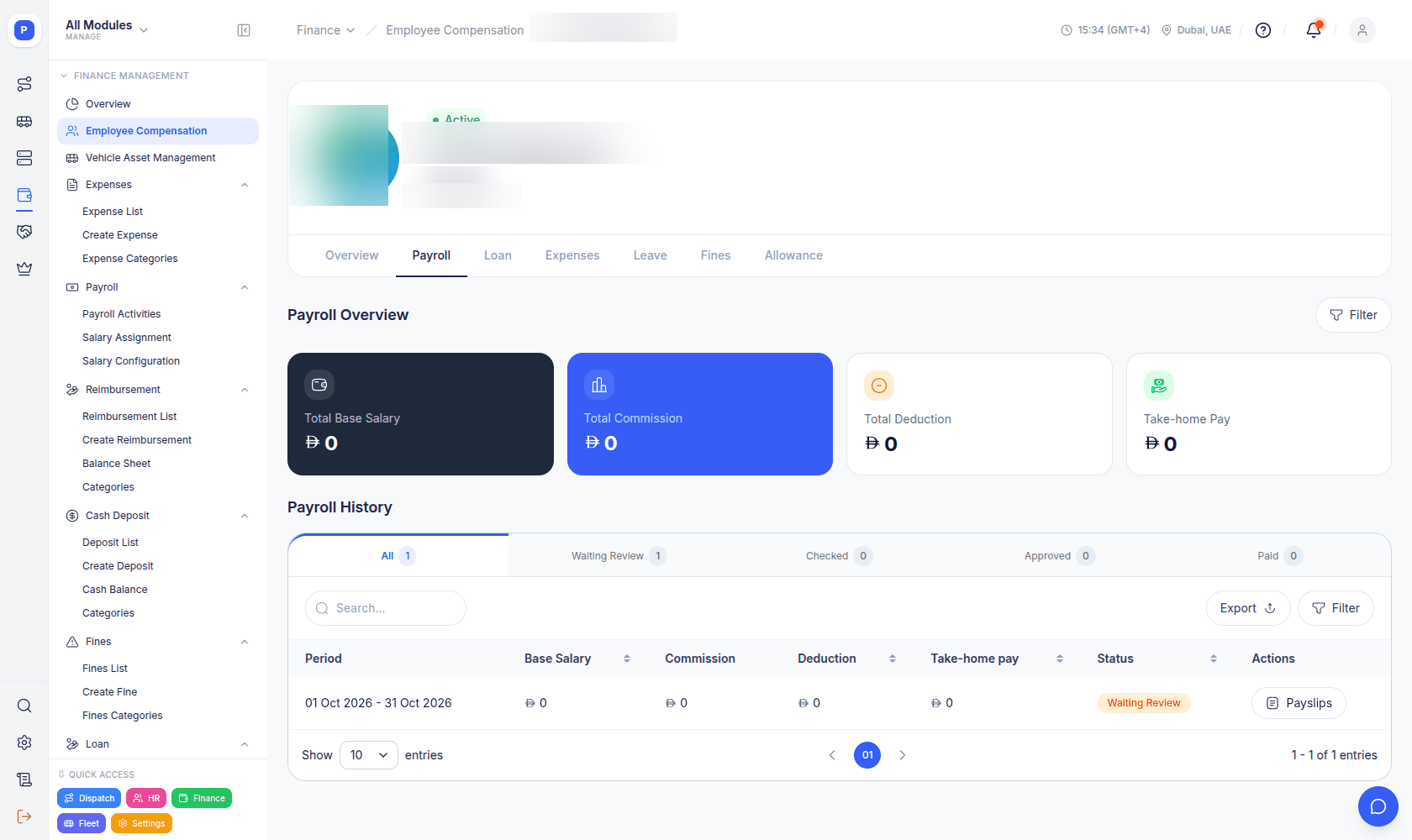
| Payroll | Payroll Overview (Total Base Salary, Total Commission, Total Deduction, Take-home Pay) and Payroll History: a table with Period, Base Salary, Commission, Deduction, Take-home pay, Status and a Payslips button (not connected) |
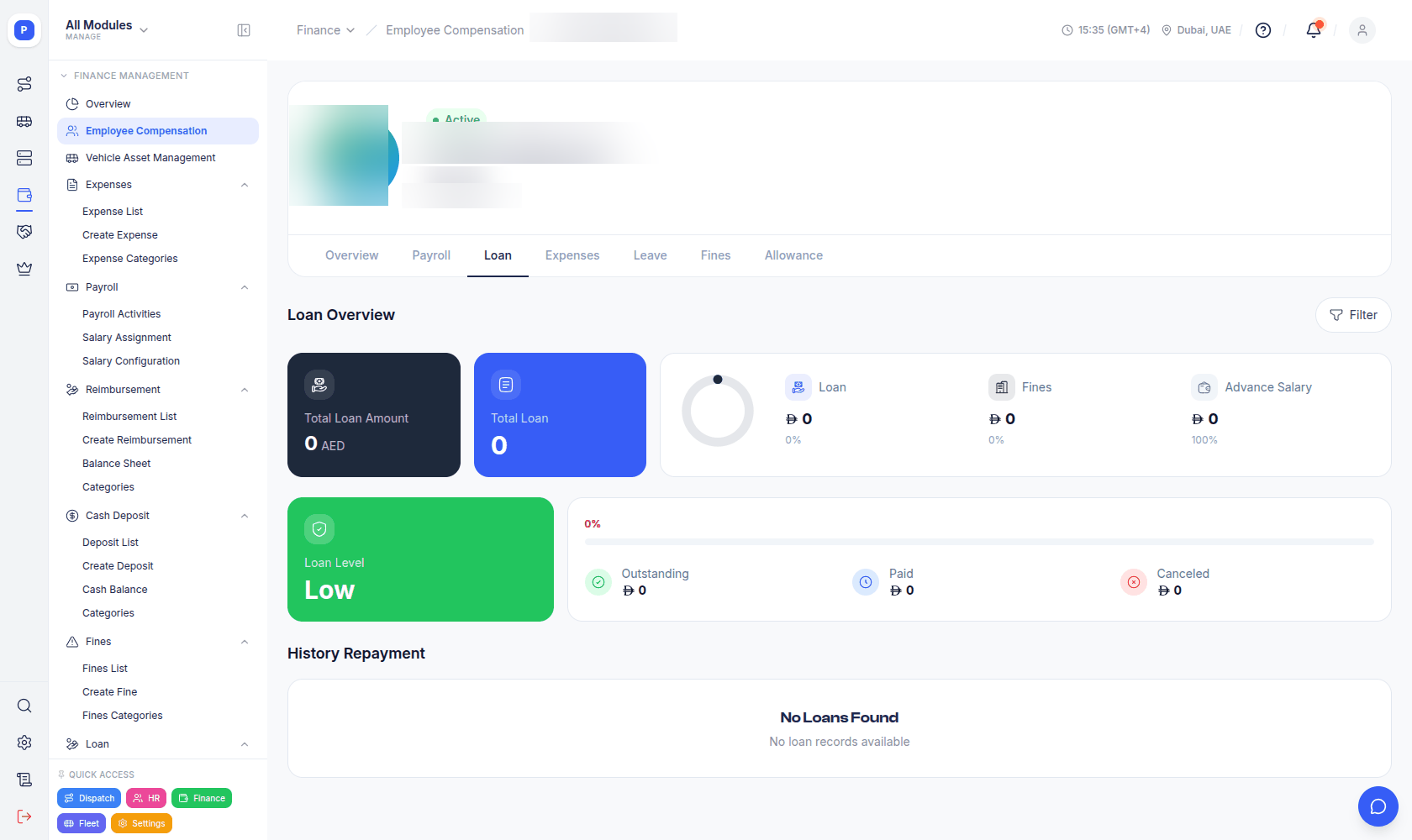
| Loan | Loan Overview with Advance Salary, Fines and Loan items, the loan level, Loan Term, Monthly Installment, Amount Repaid, Balance, Outstanding, and the History Repayment list (No Loans Found when empty) |
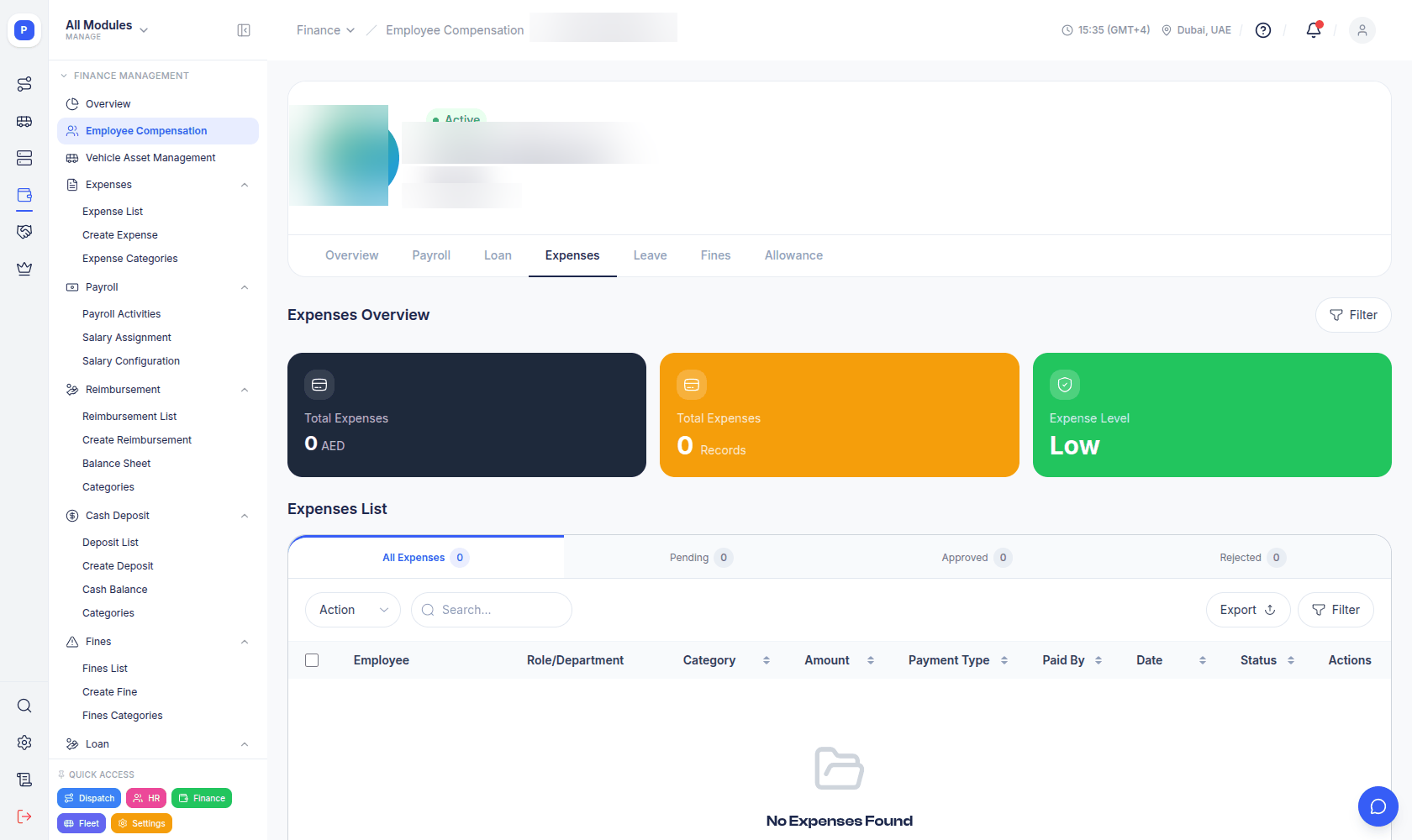
| Expenses | Expenses Overview (Total Expenses in AED, Total Expenses in records and the Expense Level), and Expenses List with the tabs All Expenses, Pending, Approved and Rejected (each with a count), an Action list, a search box, Export and Filter. The table has Employee, Role/Department, Category, Amount, Payment Type, Paid By, Date, Status and Actions. Rows can be edited, approved, rejected or deleted (approving needs the approve permission of Expense List); several rows can be ticked for a bulk Approve, Reject or Delete |
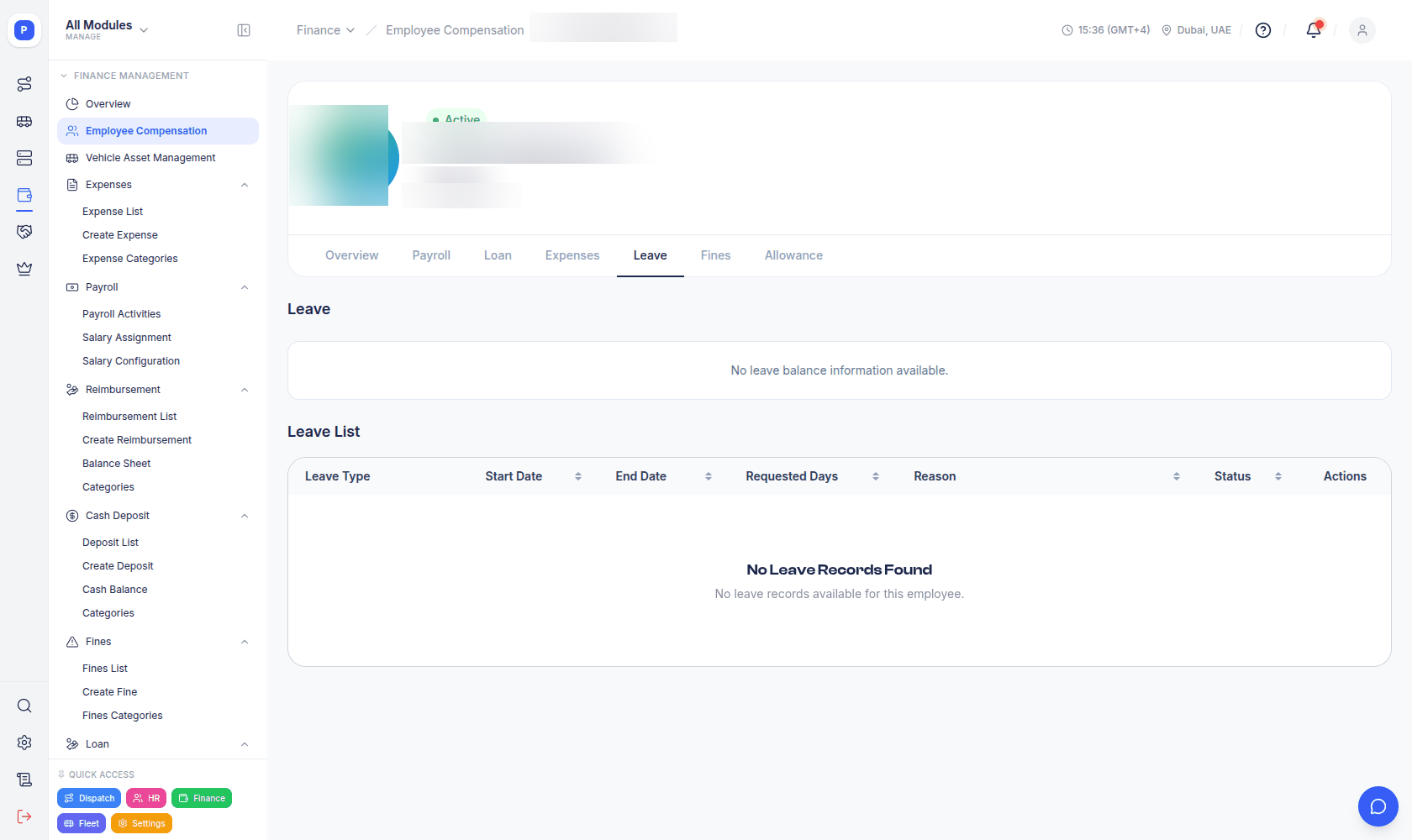
| Leave | Available Leave Days, Carry-forward Leave Days, Total Leave Days, Total Leave Taken, and Leave List (Leave Type, Start Date, End Date, Requested Days, Reason, Status, Actions) |
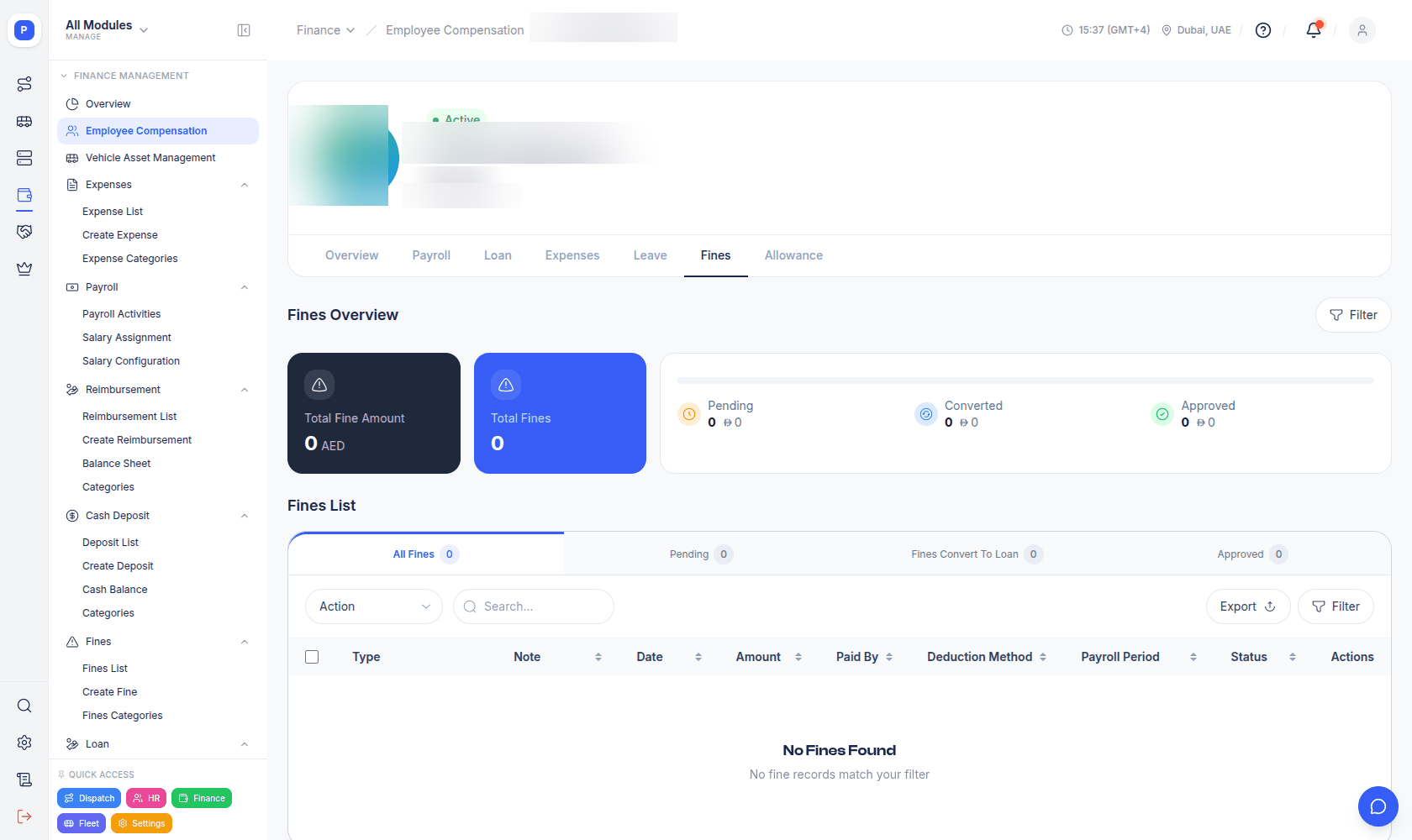
| Fines | Fines Overview and Fines List (Date, Type, Note, Amount, Paid By, Deduction Method, Payroll Period, Status, Actions). Several fines can be ticked for a bulk Approve or Convert to Loan; a single fine has Approve and Convert to Loan in its menu |
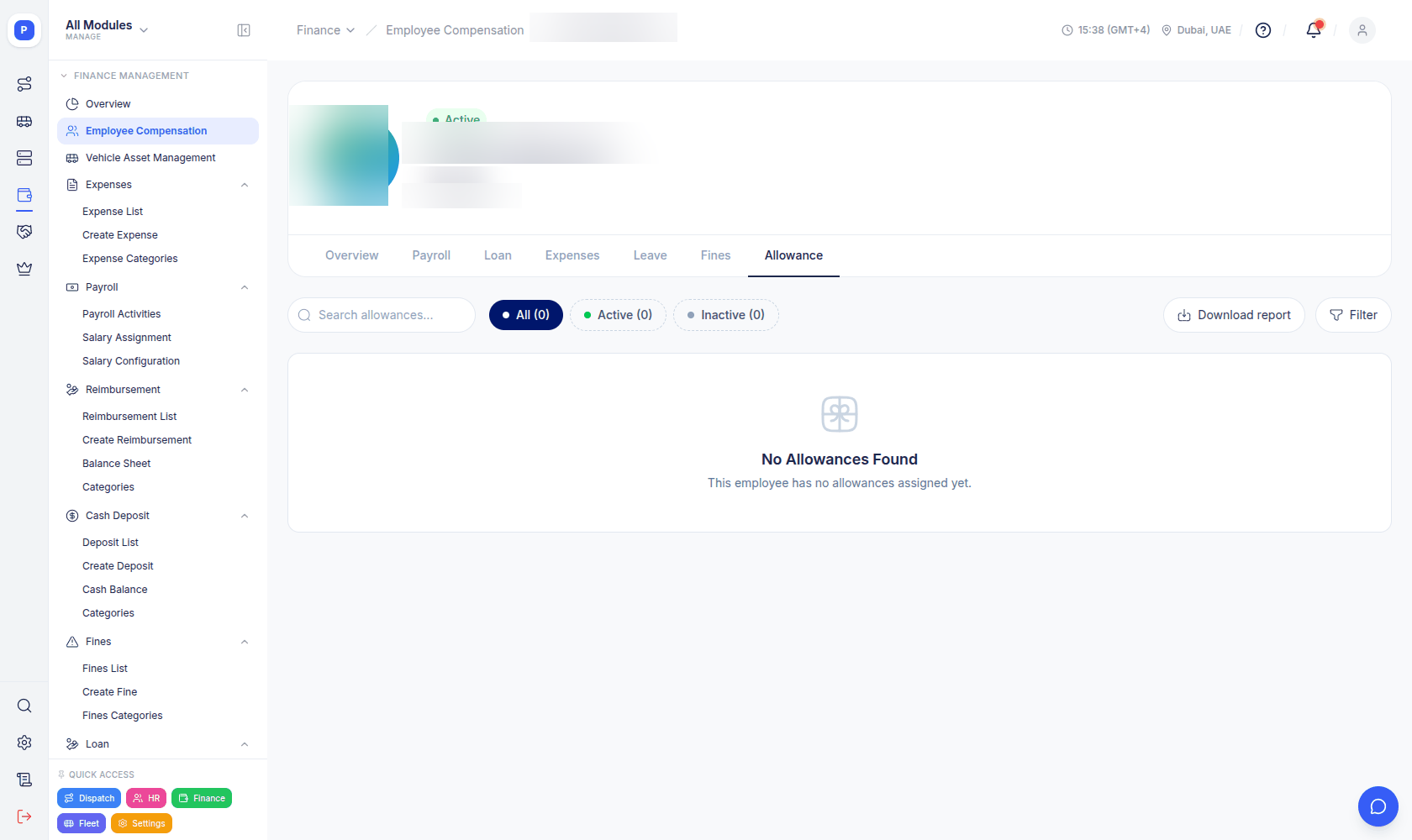
| Allowance | A search box (Search allowances...), the chips All, Active and Inactive (each with a count), Download report and Filter, then the employee's allowances. With none it says No Allowances Found - This employee has no allowances assigned yet |
Overview
The Finance Overview dashboard - income, profit, fines, payroll, expenses, revenue, cash flow, loans and top-5 lists for a period you choose, plus the finance data export.
Vehicle Asset Management
Register a vehicle as a financial asset - purchase cost, VAT, depreciation schedule - and follow its revenue, expenses, ROI and maintenance in one list.