Bolt Integration
Connect Bolt with a refresh token, follow its synchronisation logs and see the revenue of your drivers.
The Bolt Integration page brings in trips, matches Bolt drivers to your own and shows the net earnings from Bolt's Fleet Owner Portal. Like Moniic, it works with a token that you copy from the portal.
Navigation: Dispatch > Platform Integration > Bolt
Revenue
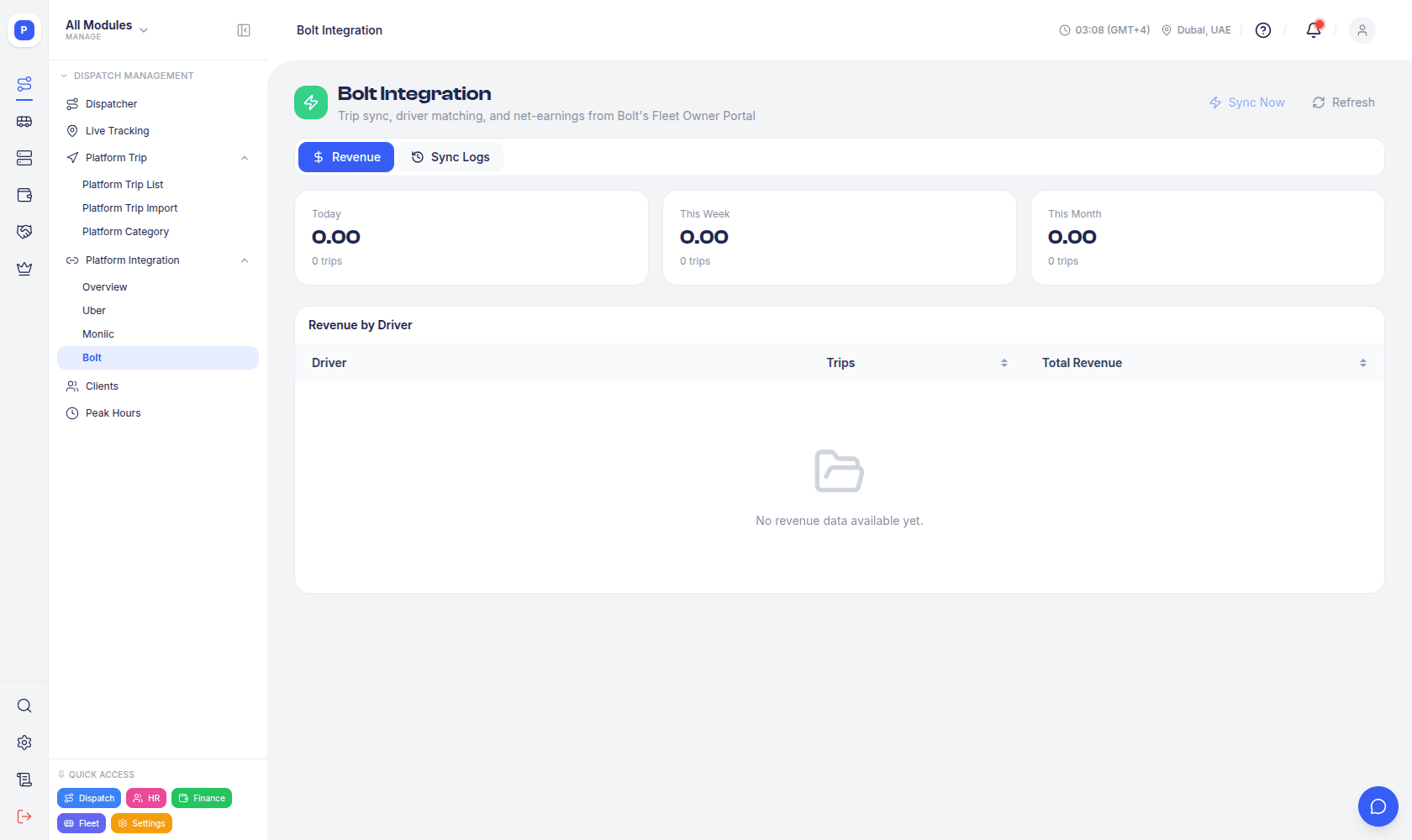
Today, This Week and This Month show the revenue and the trips. Revenue by Driver lists the drivers with their Trips and Total Revenue. When nothing has been synchronised yet it says No revenue data available yet.
Sync Logs and the Token
The Sync Logs tab holds the Token Status card, the Auto Sync switch and the history of the synchronisations.
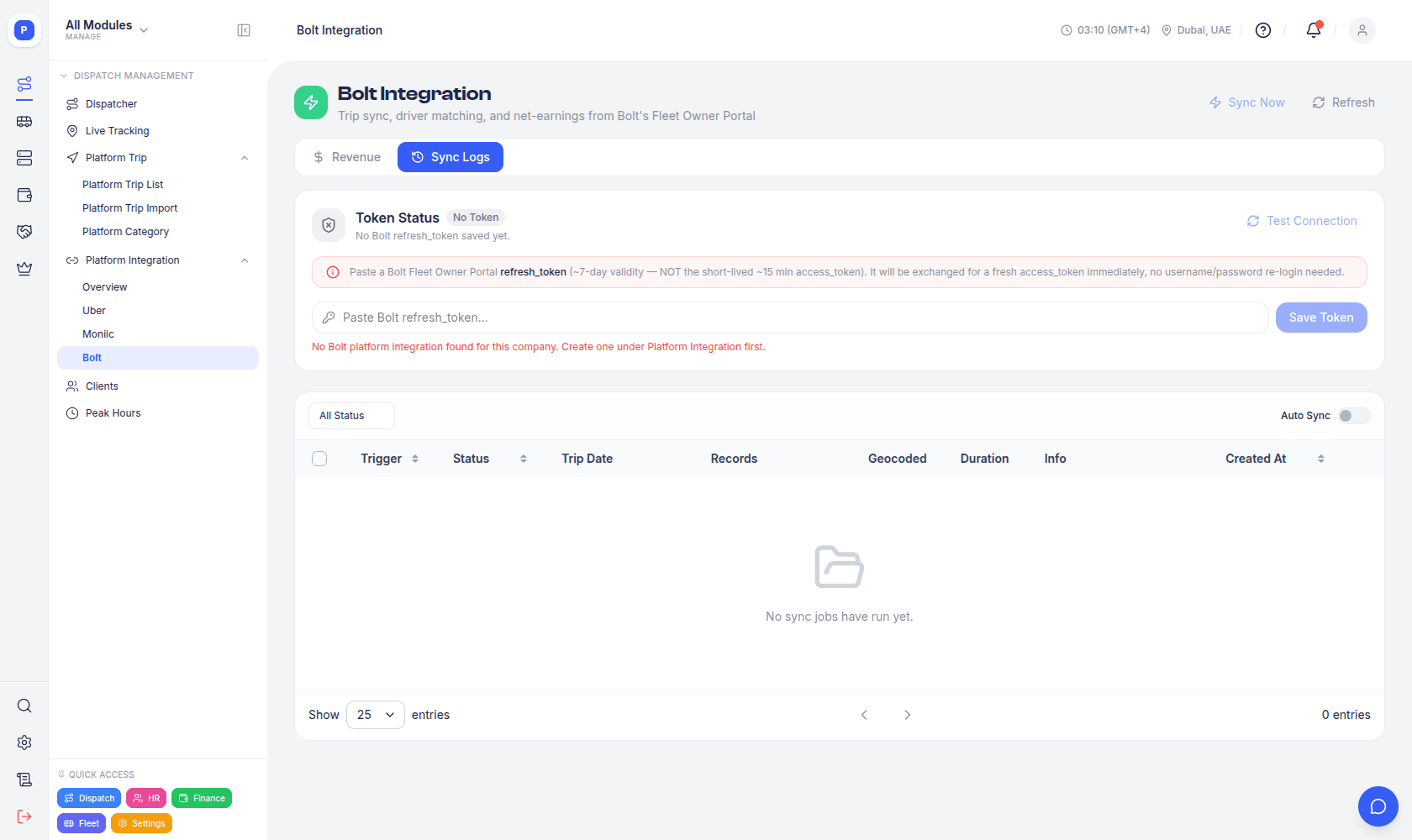
The Token Status Card
The card shows No Token, Healthy, Expiring Soon or Expired, and when the token expires. Bolt's status depends on the refresh token, which lasts about 7 days. The short-lived access token that Bolt derives from it is refreshed by Transportech on every synchronisation, so you never handle it.
Saving a Token
When the card asks for a token:
- Sign in to Bolt's Fleet Owner Portal in your browser.
- Copy the refresh_token (valid for about 7 days). Do not copy the short-lived access token, which lasts only minutes.
- Paste it in Paste Bolt refresh_token... and click Save Token. It is exchanged for a fresh access token at once, so you do not give a username or password.
Test Connection checks that the token works. Because the refresh token lasts about a week, save a new one before it expires.
The Logs
The log table is the same as on the Uber page: Trigger, Status, Trip Date, Records, Geocoded (always shown as -), Duration, Info and Created At, with the row menu (View Details, View Records, Retry, Delete) and the Auto Sync switch.
Sync Now starts a synchronisation. It stays grey until a Bolt integration exists for your company.
Unlike Uber and Moniic, Bolt's Fleet Owner Portal does not offer a vehicle list, so vehicles can only be worked out indirectly from each driver's current assignment. Bolt shows drivers, not vehicles.