Driver Leaderboard
Rank your drivers for a month or any date range by revenue, net profit, trips or performance score.
The Driver Leaderboard ranks the drivers of your company for a period you choose. Use it for monthly recognition and bonuses, and to spot drivers who fall behind.
Navigation: Fleet > Drivers > Driver Leaderboard
Reading the Leaderboard
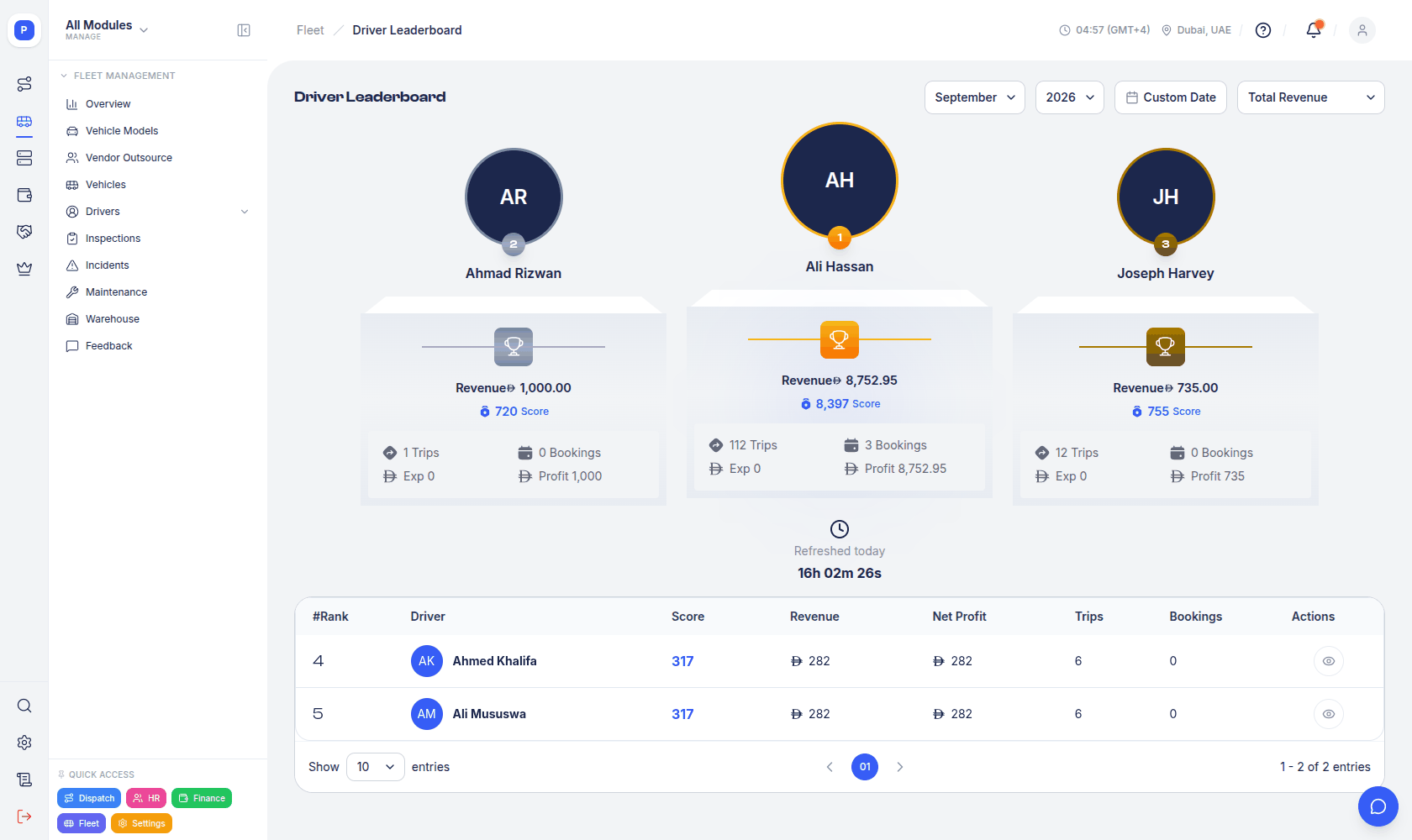
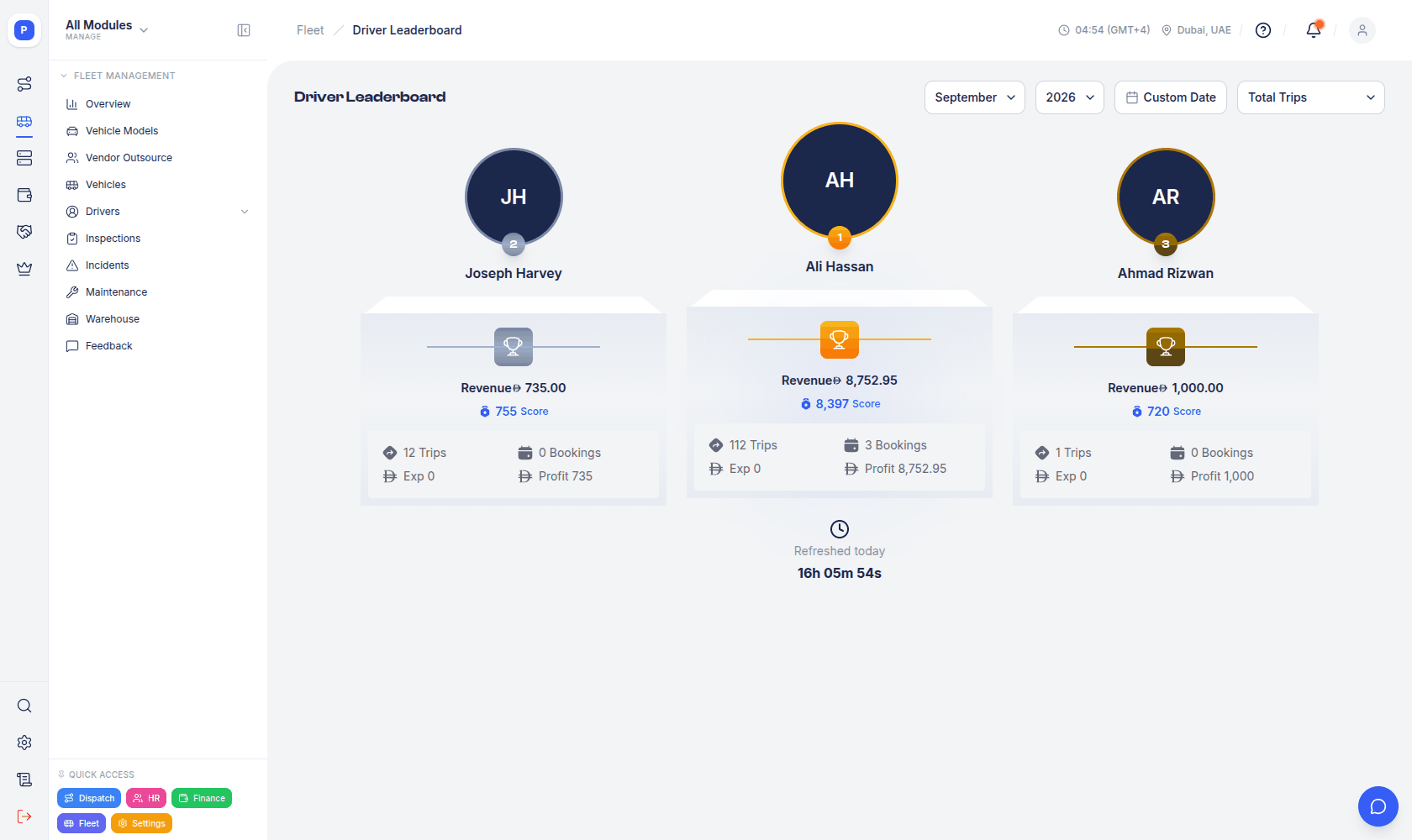
The Podium
The three best drivers stand on a podium: first place in the middle, second on the left and third on the right. Each card shows:
- the driver's name and initials, with the rank number;
- Revenue in AED and the Score;
- the number of Trips and Bookings, the expenses (Exp) and the Profit.
Under the podium, Refreshed today shows a countdown to the end of the current day.
The Ranking Table
From fourth place onward the drivers are listed in a table. The podium needs at least three ranked drivers: when fewer than three drivers have activity in the period, the page shows neither the podium nor the table, only the controls at the top.
| Column | Description |
|---|---|
| #Rank | The place of the driver |
| Driver | The name, with an initials badge |
| Score | The performance score (see below) |
| Revenue | The total revenue of the period, in AED |
| Net Profit | Revenue minus the driver's approved expenses |
| Trips | The number of trips |
| Bookings | The number of completed bookings |
| Actions | The eye button opens the driver profile |
The table shows 10 drivers per page.
Only drivers who are active and had at least one trip or completed booking in the period are ranked. A driver without any ride is left out, whatever the sorting.
Choosing the Period
The controls at the top right set the period:
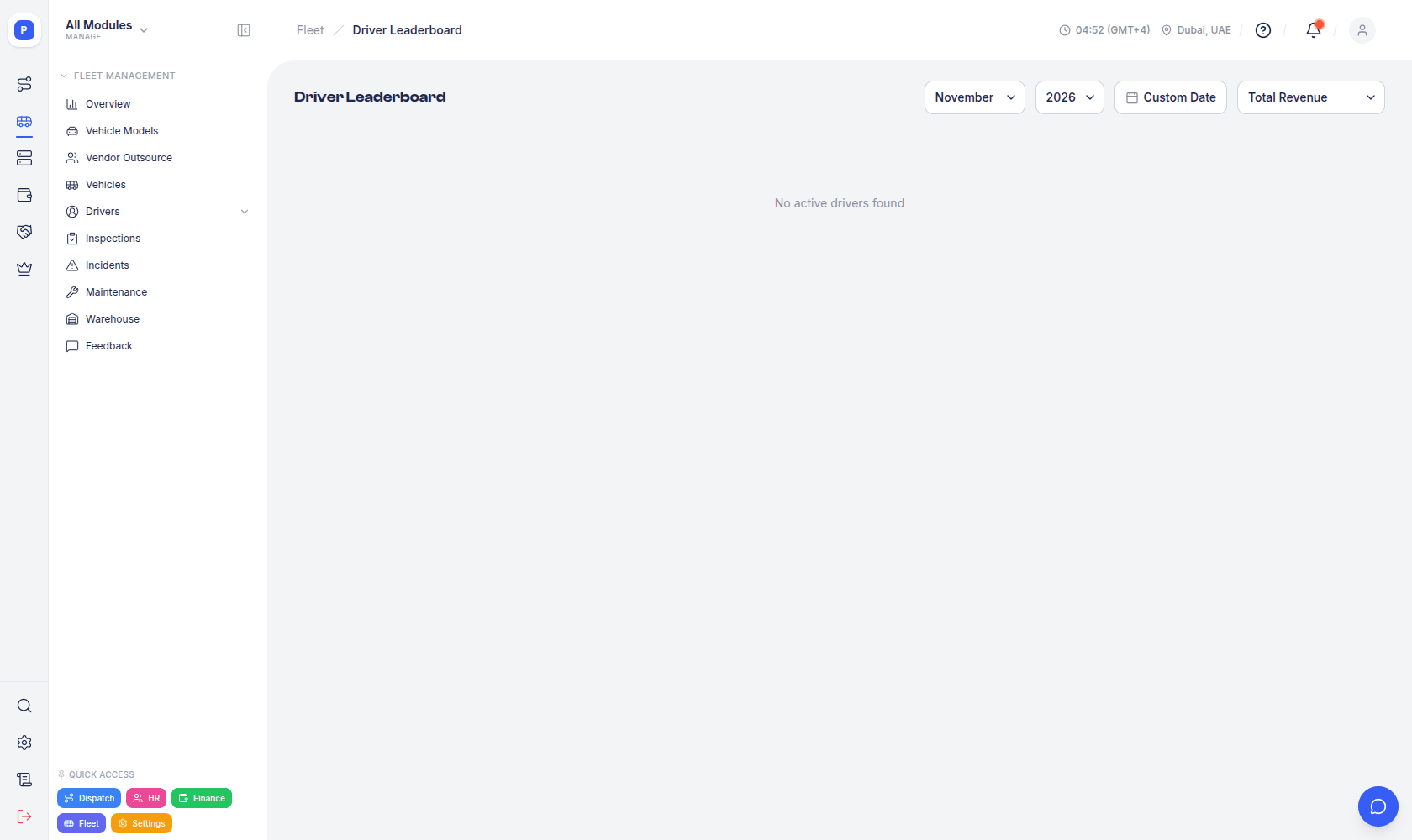
- Month and Year lists (the current month and year when the page opens; the year list covers the last five years).
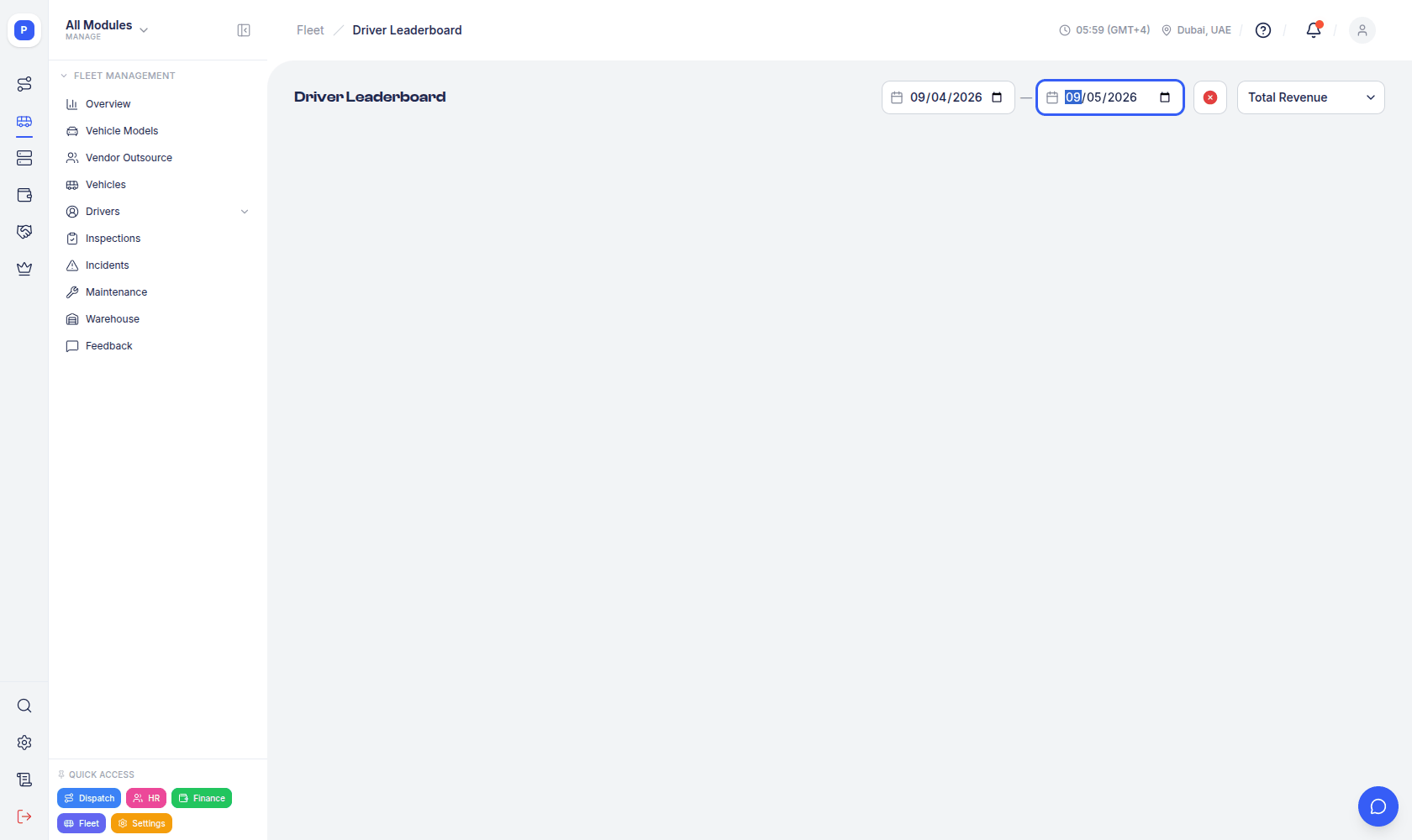
- Custom Date replaces them by two date fields, from and to, pre-filled with the month you had chosen. Use it for a week or a campaign. The red button next to the dates goes back to the month and year lists.
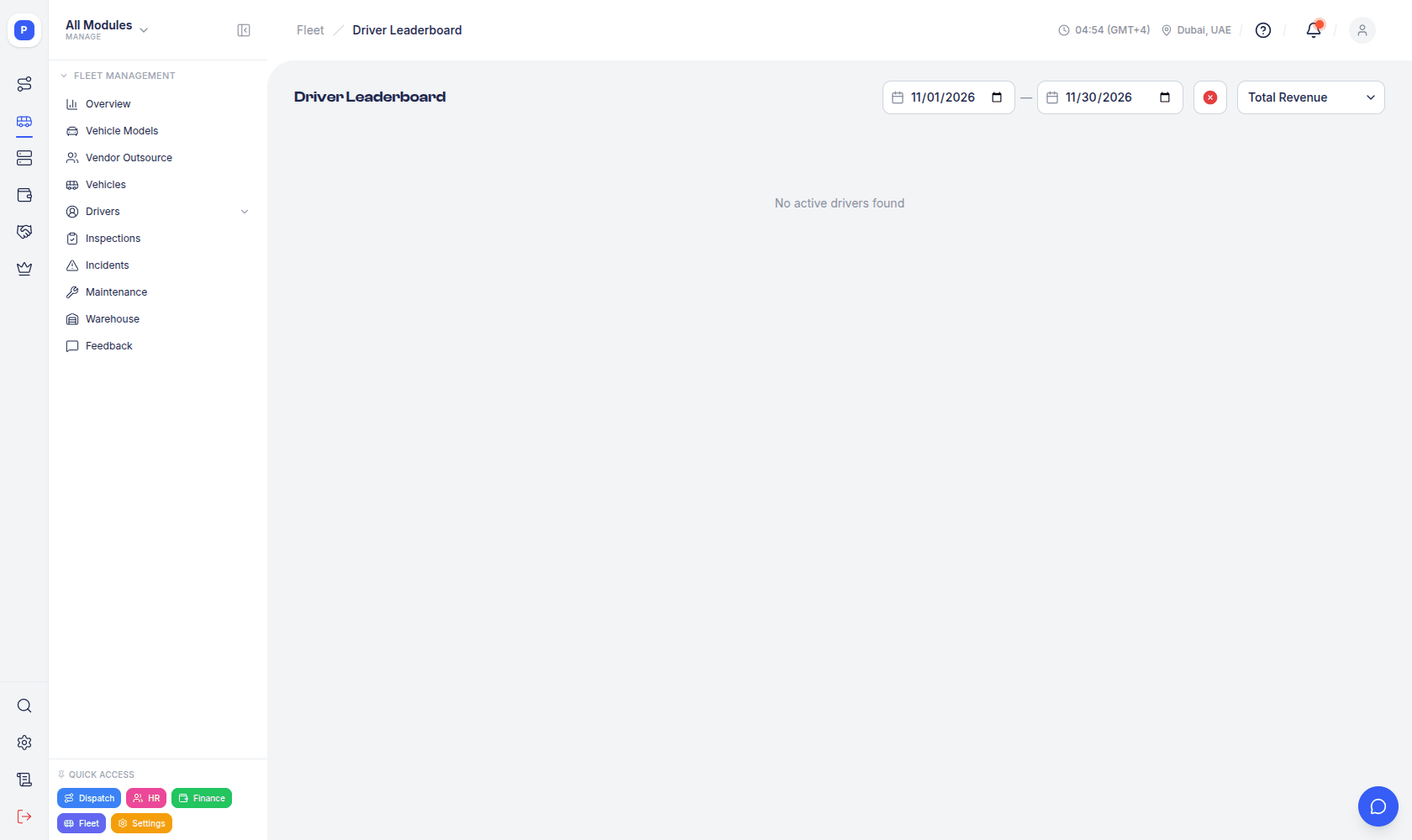
A period in which nobody had activity shows No active drivers found. When the page opens in a month that has only just begun, this is what you see.
Choosing How Drivers Are Ranked
The list at the far right sets the sorting:
| Option | The drivers are ranked by |
|---|---|
| Total Revenue (default) | The total revenue of the period |
| Net Profit | Revenue minus expenses |
| Total Trips | The number of trips |
| Performance Score | The score, which weighs all four figures |
How the Score Is Calculated
Score = 0.4 x Revenue + 0.3 x Net Profit + 0.2 x (Trips x 100) + 0.1 x (Bookings x 100)The leaderboard uses the same formula as the older Audalimo fleet dashboard, so the numbers match between the two systems. This score is specific to the leaderboard: it is not the Driver Reputation Score (out of 100) shown on the driver profile and in Driver Overview.
The revenue of a driver includes the trips imported from the platforms (Uber and others) and the completed bookings and trips of your own dispatch. For Uber trips the day starts at 04:00 (a trip before 04:00 counts for the previous day); for the other platforms the day starts at midnight.
Driver Overview
Follow how every driver performs, assign vehicles, and open a driver profile with revenue, expenses, fines, incidents, bookings and vehicle history.
Inspections
Record vehicle inspections with a step-by-step checklist, photos and damage points, then find, review, edit and delete the records.