Charging Cards
Keep the history of which driver held which DEWA charging card and when, so every DEWA charge is given to the right driver.
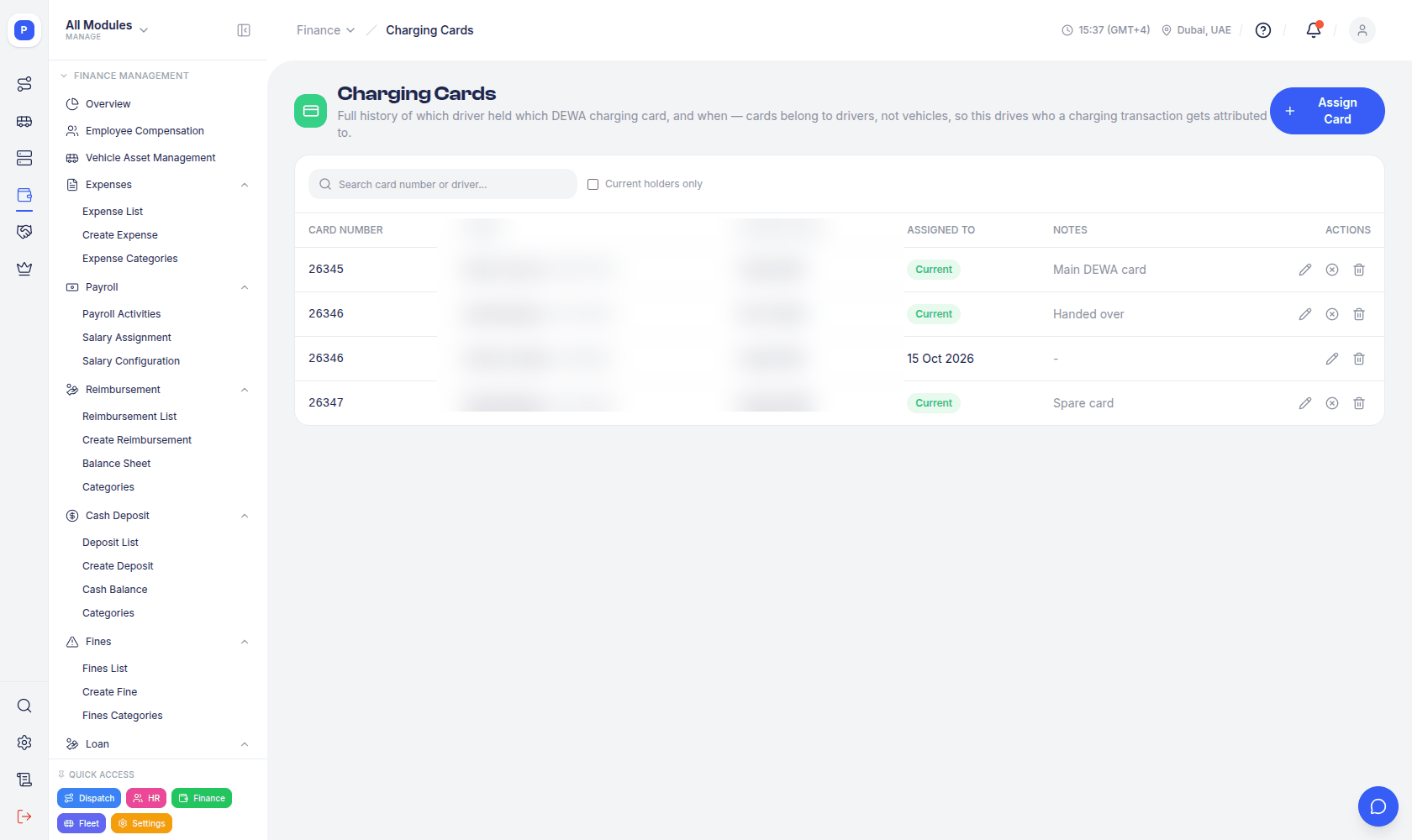
Finance > Charging > Charging Cards is the register of the DEWA charging cards. A card belongs to a driver, not to a vehicle: a driver keeps the card when he changes vehicle, and a card can pass from one driver to another. The register records who held each card from which day, because a DEWA import uses it to decide whose charge a transaction is.
Permissions
The page opens for users with the Charging Management view permission. Assign Card and the actions of a row (edit, end, delete) are shown only with the edit permission.
The register
| Column | What it shows |
|---|---|
| Card Number | The number printed on the DEWA card |
| Driver | The driver and the employee number |
| Assigned From | The first day the driver held the card |
| Assigned To | Current (green) when the driver still holds it, otherwise the last day |
| Notes | A free note |
| Actions | Edit, End assignment today (only for the current holder) and Delete |
Every card has one line per holder, so the full history of a card is on the page. The cards are sorted by number, and within a card the newest holder comes first.
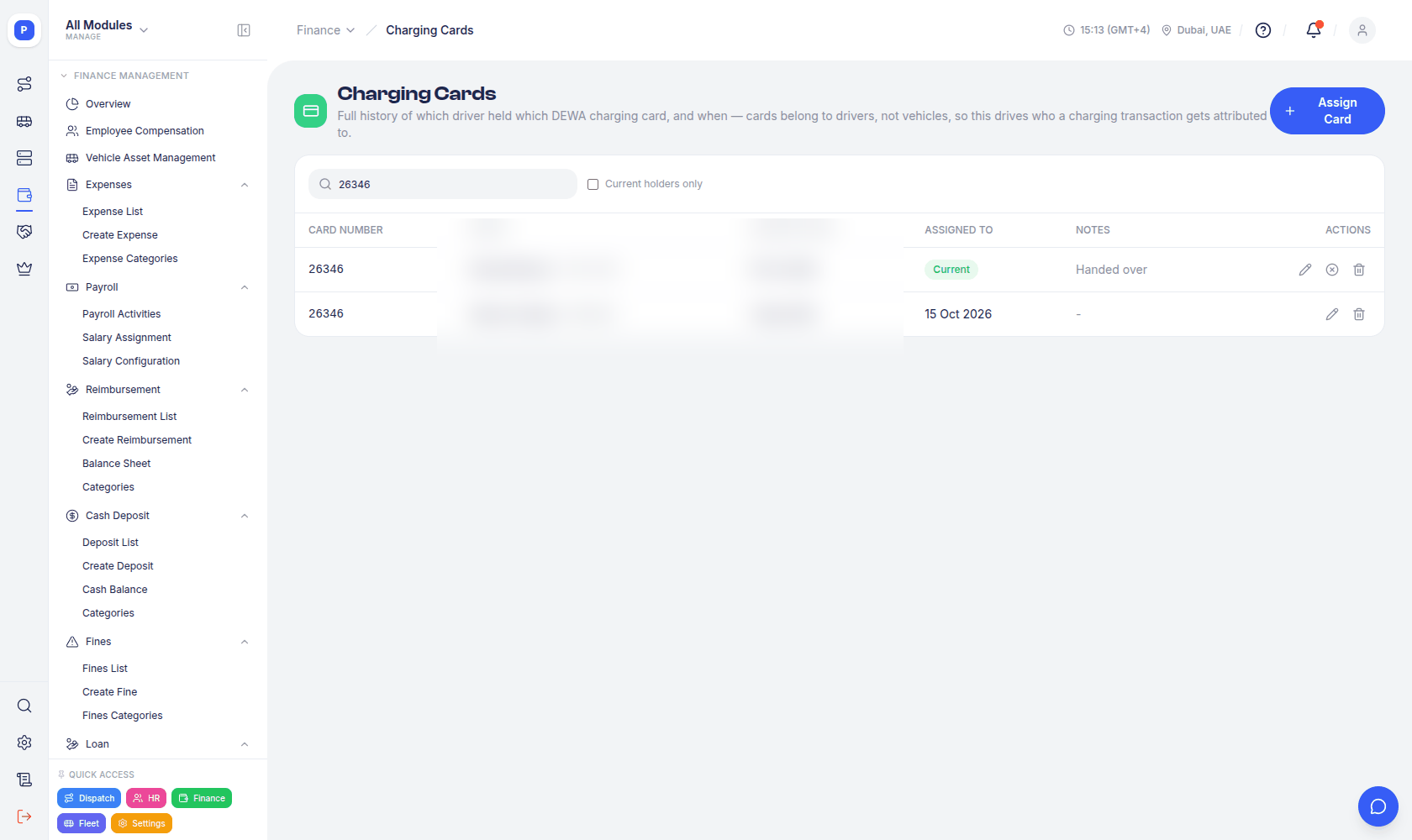
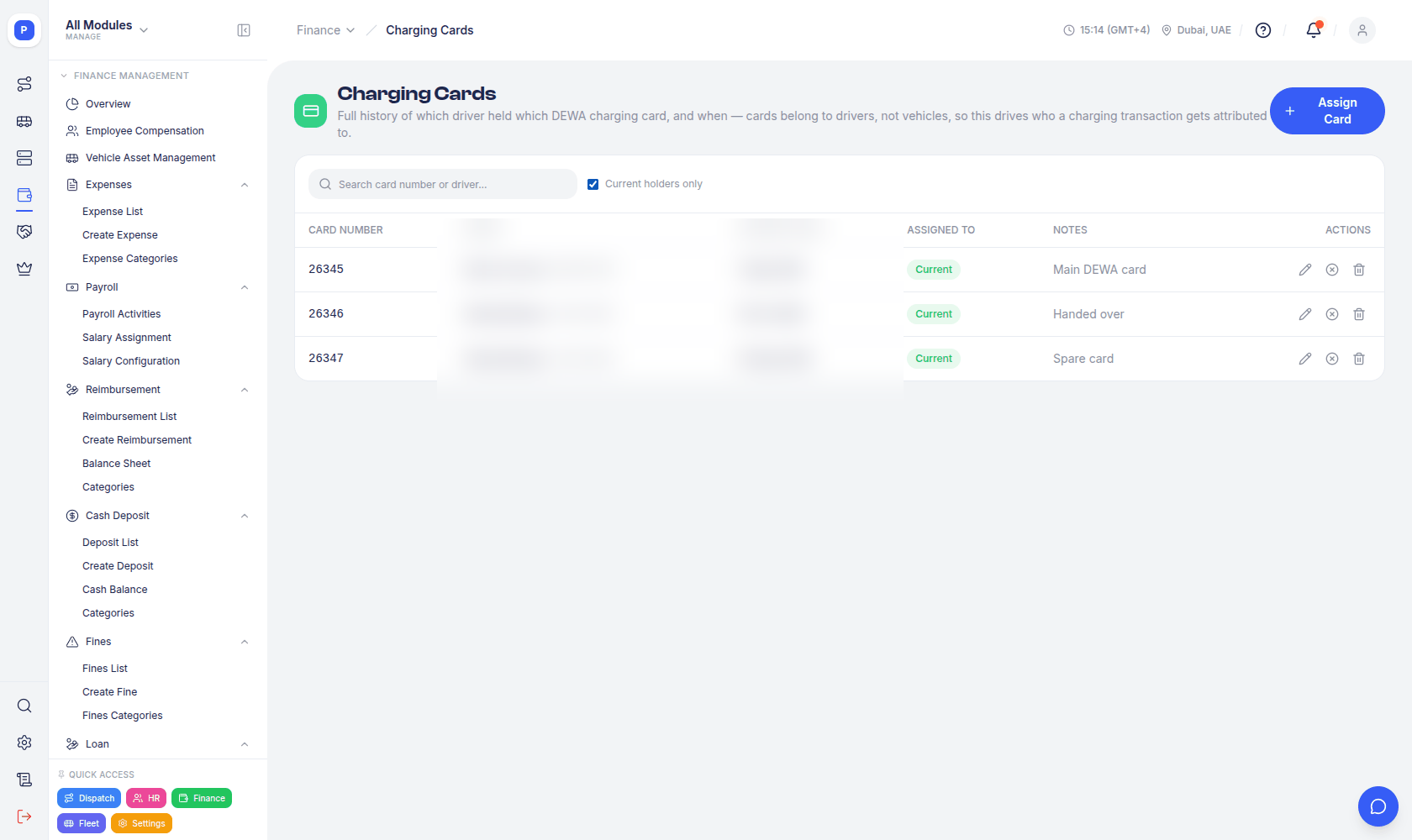
The search box finds a card number or a driver; Current holders only hides the old assignments.
Assign a card
Assign Card opens Assign Charging Card.
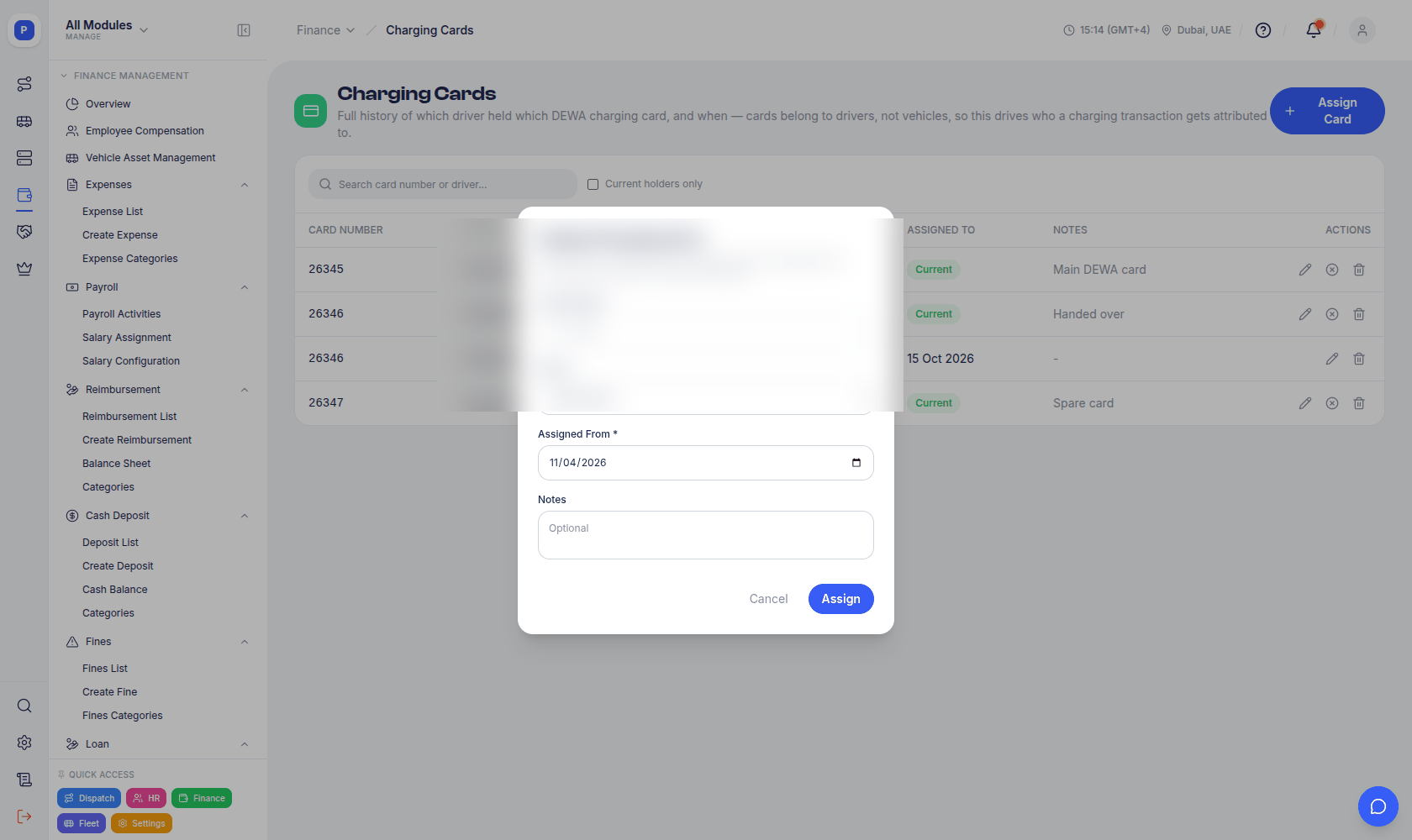
| Field | Required | Notes |
|---|---|---|
| Card Number | Yes | Type the number, or choose one the register already knows (the box suggests them) |
| Driver | Yes | The list of your drivers (name and employee number) |
| Assigned From | Yes | The first day the driver holds the card. It opens on today |
| Notes | No |
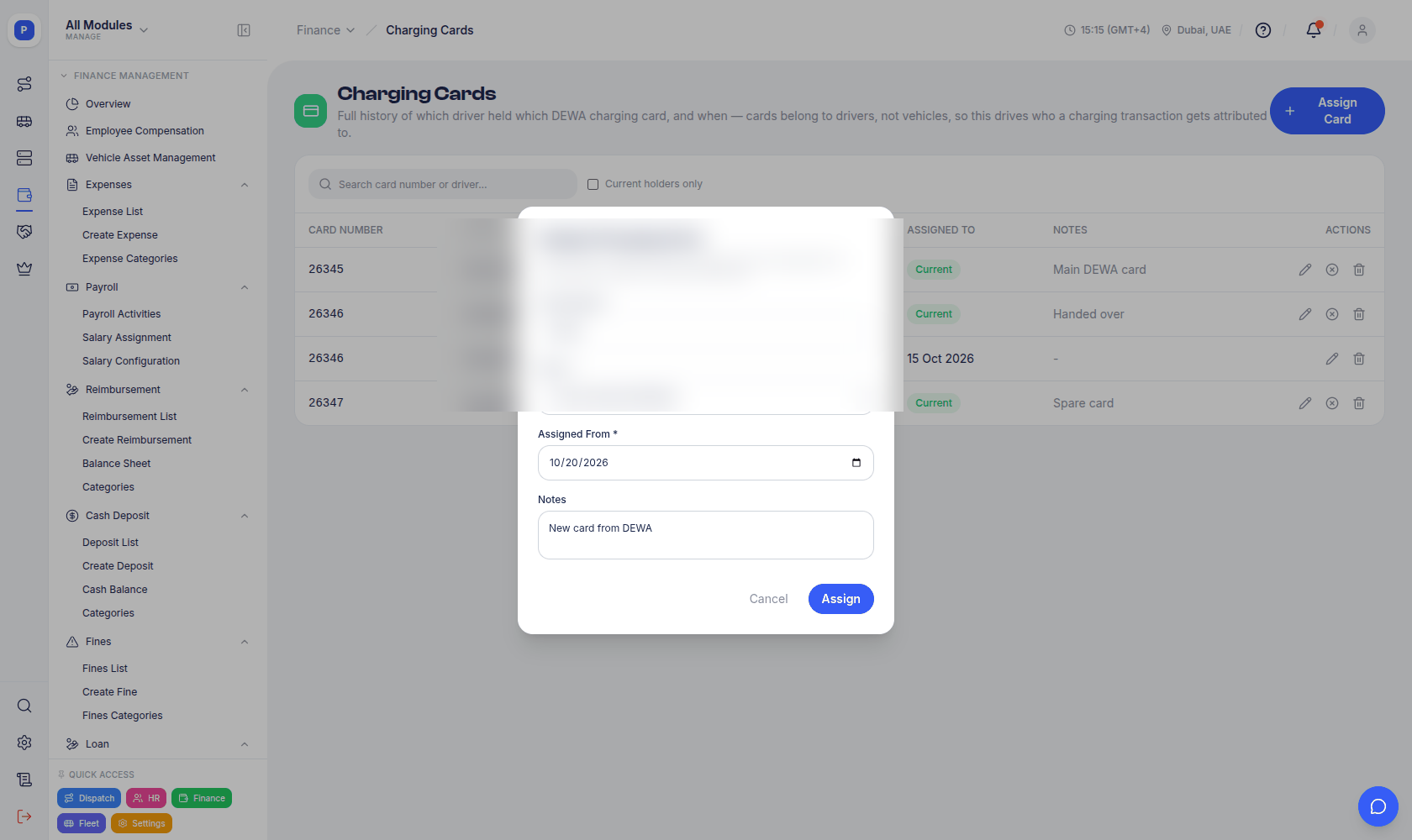
Assign saves the assignment (Card assigned). The server applies these rules:
- If the card is held by someone else, that assignment is closed automatically on the start date you chose: the new holder takes over from that day.
- If the card is already held by the same driver, the server refuses (Card ... is already assigned to this driver).
- If the current holder started on or after the date you chose, the server refuses (... is already assigned to another driver starting ...: pick a later start date, or edit/delete that assignment first).
- An employee of another company is refused (Driver not found or does not belong to your company). The server accepts any employee of your company, not only drivers.
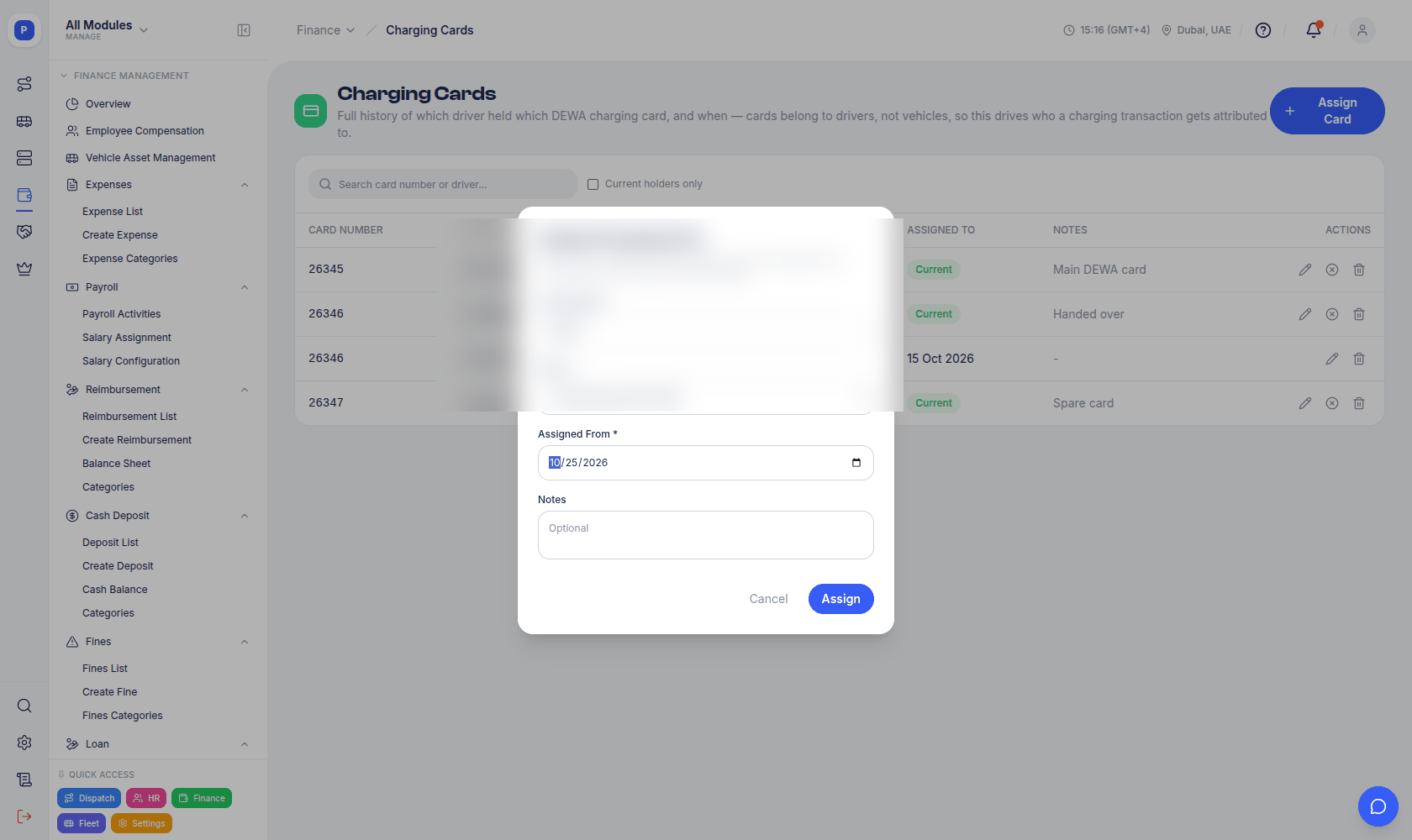
Edit, end and delete
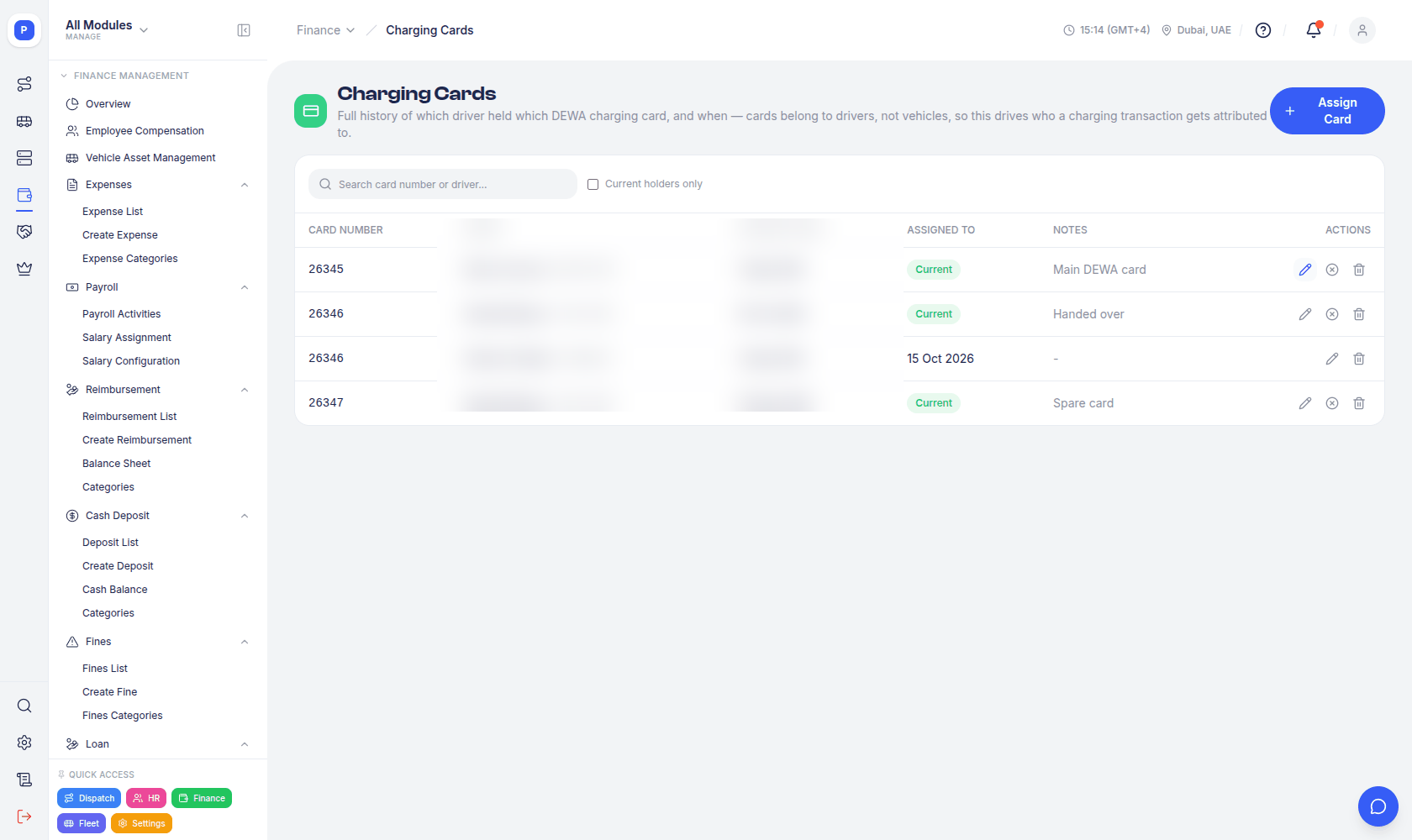
- Edit (the pencil) opens Edit Assignment: correct Assigned From, set or clear Assigned To, and change the Notes. Assigned To must be after Assigned From (assigned_to must be after assigned_from).
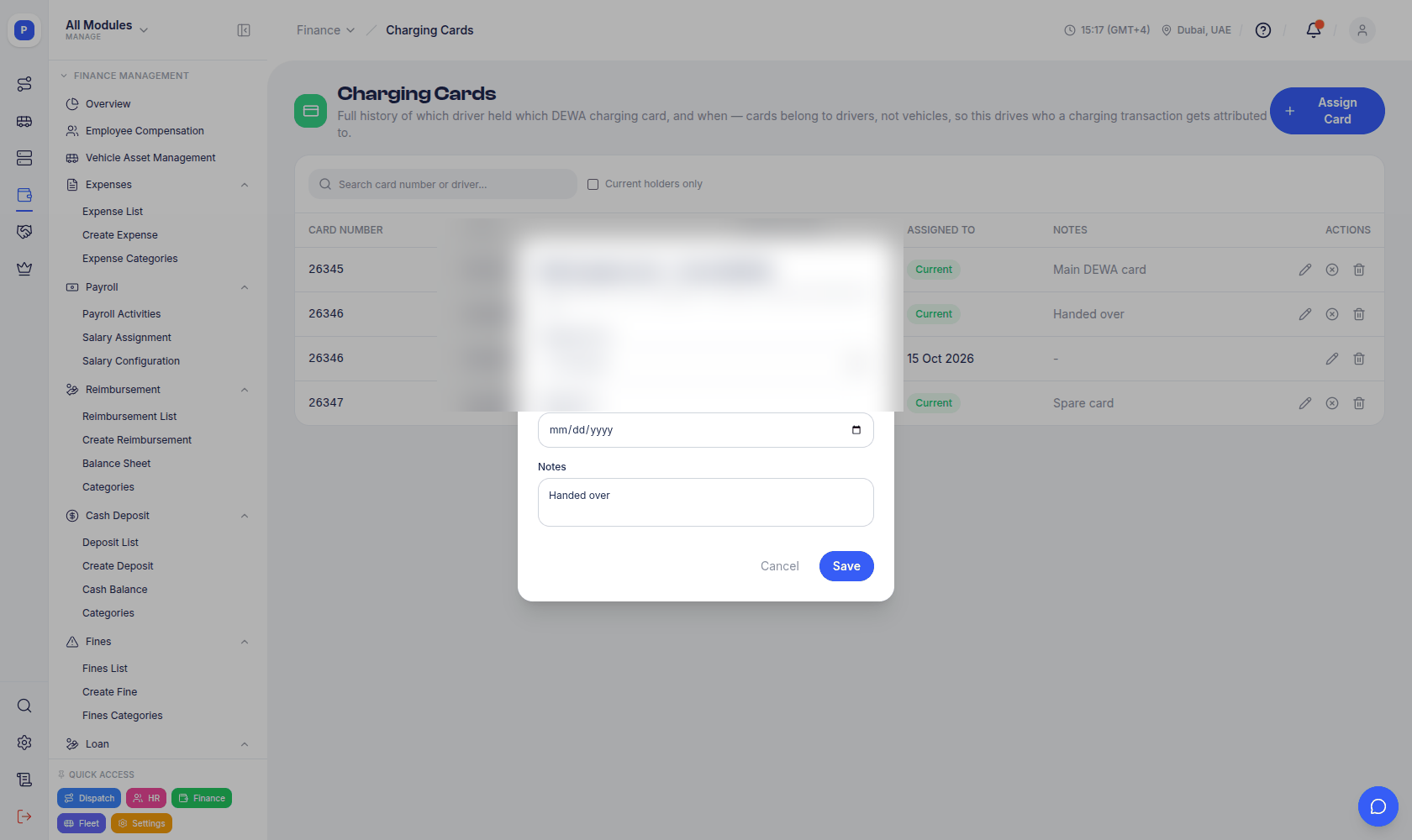
- End assignment today (the cross, for the current holder only) asks End ...'s assignment for card ... today? in the browser's own confirmation box and then sets Assigned To to today (Assignment ended). Use it when a driver hands the card back and nobody takes it.
- Delete (the bin) asks Delete this assignment record ...? This cannot be undone. in the browser's confirmation box and removes the line (Assignment deleted). Deleting the history of a card changes how its old charges would be matched.
Why the dates matter
When a DEWA file is imported, each row is given to the driver who held the card at the time of the transaction: the assignment must have started on or before that moment, and not ended before it. A card with no holder at that moment gives a Warning row in the import preview, and the session is saved without a driver. Keep the register up to date before you import.
Charging Expense
Review the EV charging sessions of your drivers, import DEWA and Voltup files, add a charge by hand, correct a driver and export the list.
Liability
The Liability list - amounts an employee owes the company after damage, a shortage or a claim, and how they are confirmed, disputed, cancelled and settled.