Liability
The Liability list - amounts an employee owes the company after damage, a shortage or a claim, and how they are confirmed, disputed, cancelled and settled.
Finance > Liability > Liability List tracks what an employee owes the company for something that is not a fine or a loan: damage to a vehicle, a cash shortage, a customer claim, lost company property. A confirmed liability is taken from the salary by the payroll deduction. To record one, use Create Liability.
Permissions
The page needs Liability Management:
| Permission | To |
|---|---|
| View | Open the pages and read the liabilities |
| Add | Create New |
| Edit | Confirm, Dispute and Edit |
| Delete | Cancel |
The page
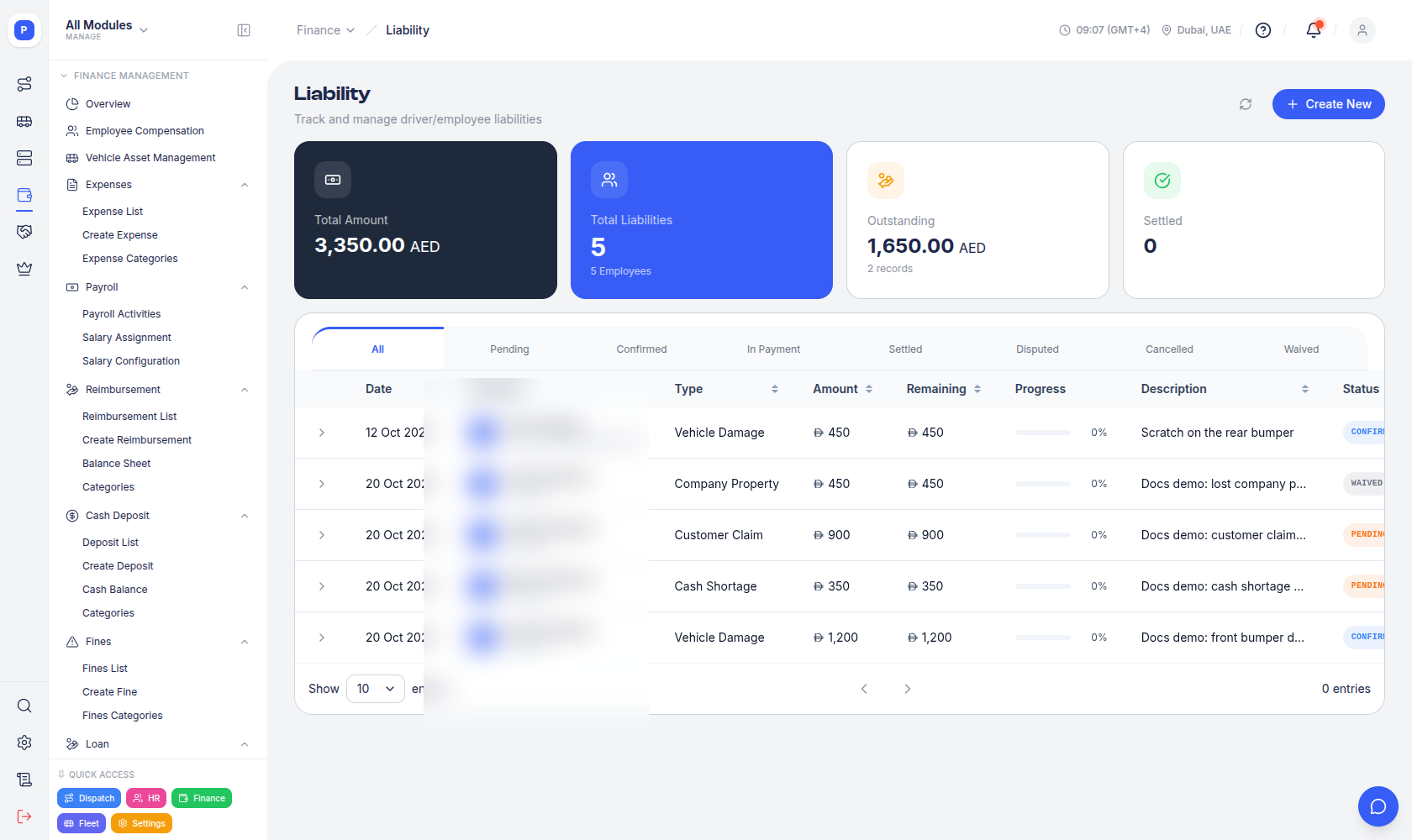
- Header - Track and manage driver/employee liabilities, a refresh button and Create New.
- Summary cards - a dark card with the Total Amount, a blue one with the Total Liabilities (and the number of employees), then Outstanding (with the number of records) and Settled. They follow the tab you are on.
- Status tabs - All, Pending, Confirmed, In Payment, Settled, Disputed, Cancelled and Waived.
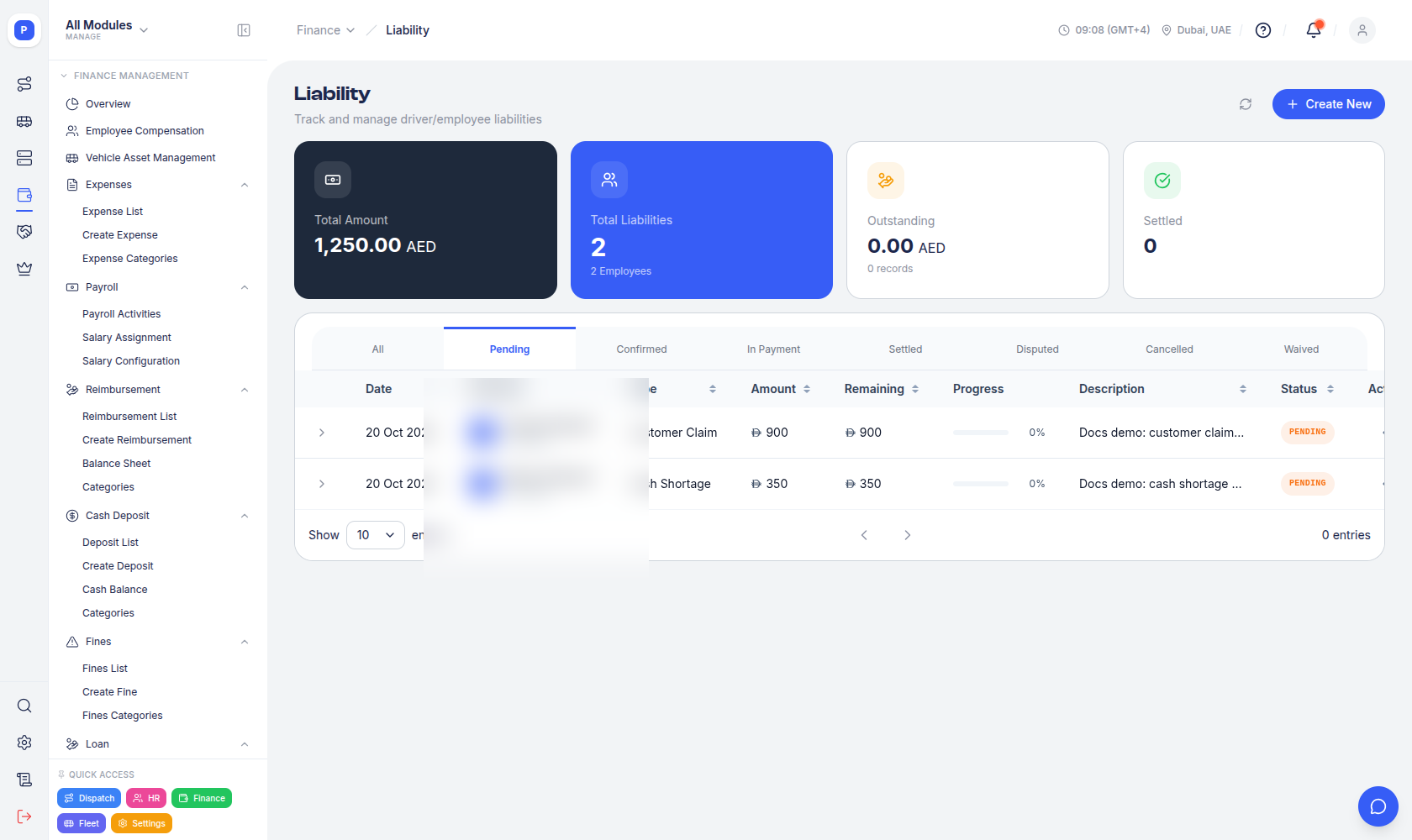
- The table. Click a row to open the liability.
| Column | Meaning |
|---|---|
| (arrow) | Opens the payments of the liability under the row |
| Date | The liability date |
| Employee | The employee, with their role |
| Type | Fine Overflow, Accident Damage, Vehicle Damage, Customer Claim, Company Property, Cash Shortage or Other |
| Amount | The full amount |
| Remaining | What is still to pay |
| Progress | The share already paid |
| Description | What happened |
| Status | See below |
| Actions | The ... menu |
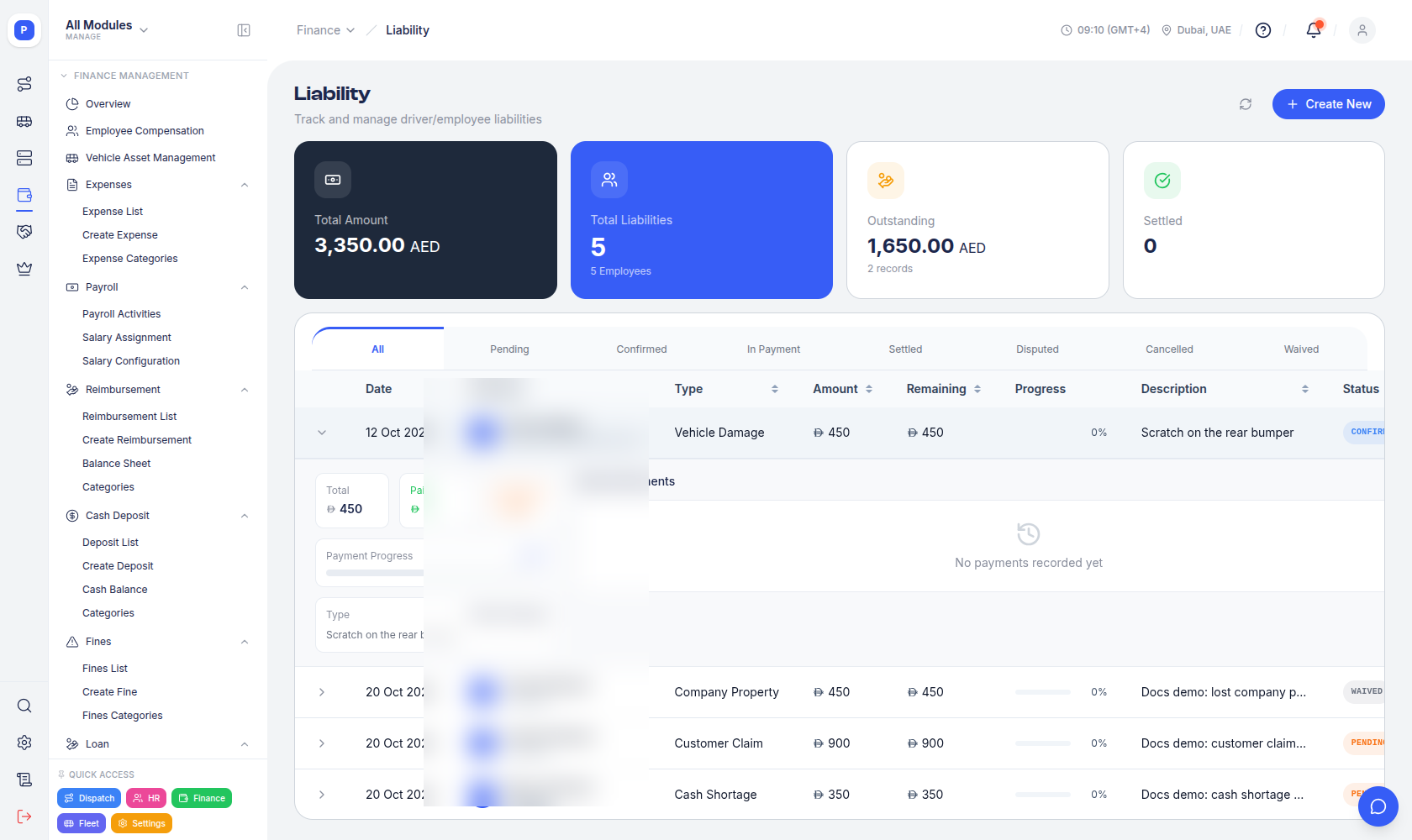
The arrow opens Payment Progress: the Total, Paid and Remaining amounts, the Type, and the Recent Payments with Date, Method (Cash, Bank, Salary or Adjust), Amount and Notes (No payments recorded yet when there are none).
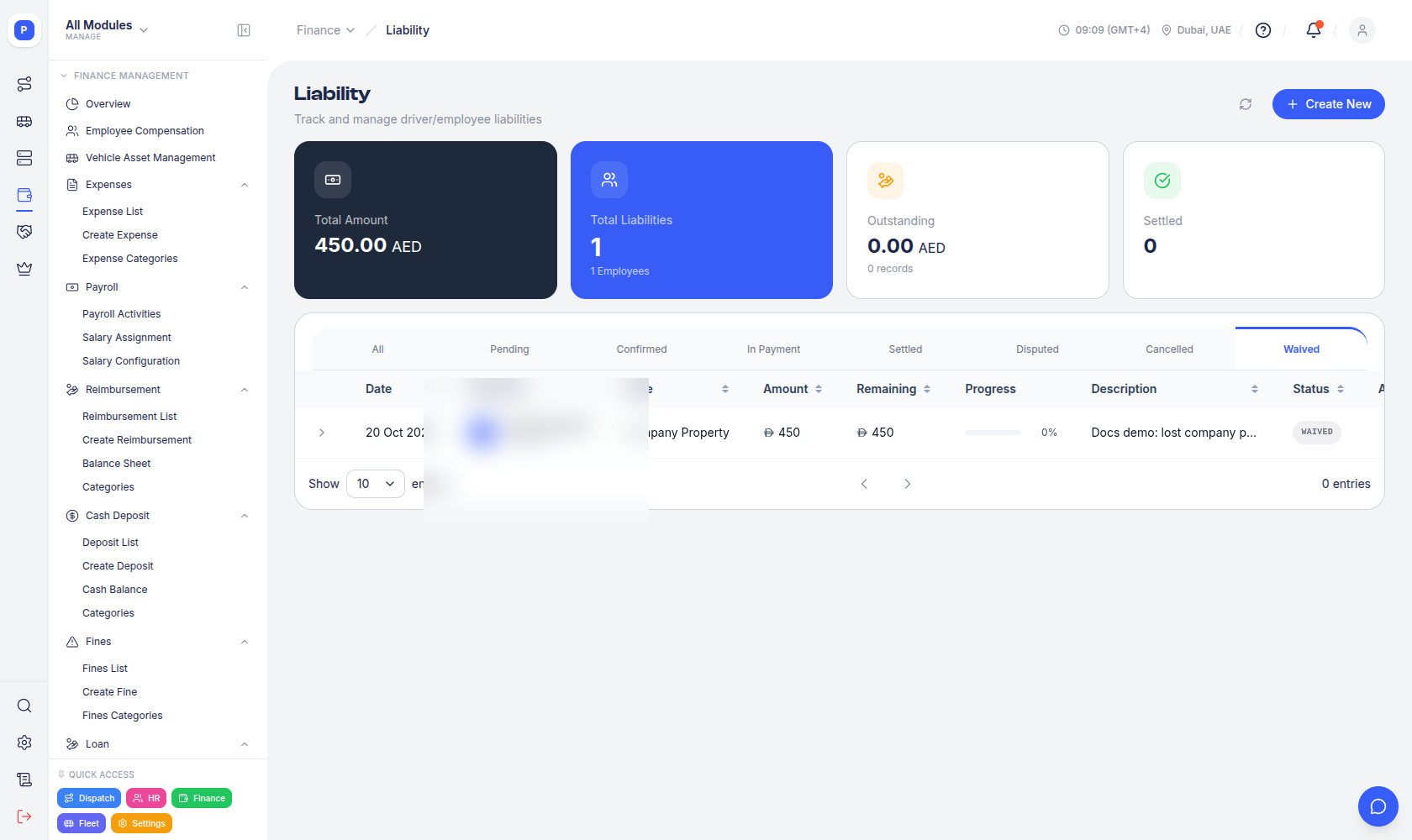
Statuses
| Status | Meaning |
|---|---|
| Pending | Recorded and waiting for confirmation (the starting status) |
| Confirmed | Accepted: it can now be deducted from the salary |
| In Payment | Part of it was paid |
| Settled | Paid in full |
| Disputed | Contested by the employee or rejected: it is not deducted |
| Waived | Forgiven by management |
| Cancelled | Withdrawn |
Row actions
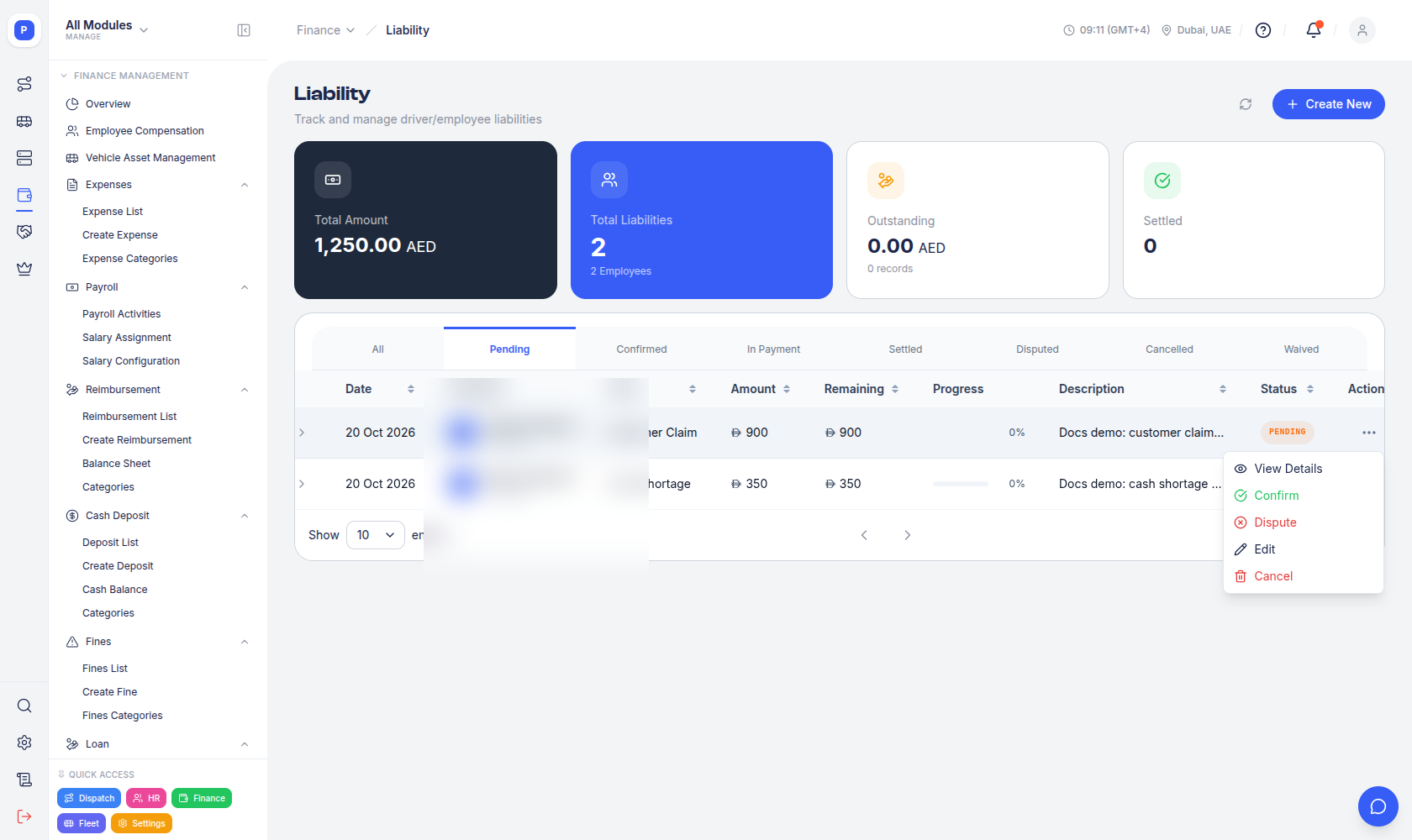
| Action | When | What it does |
|---|---|---|
| View Details | Always | Opens the liability in its page (the same page as Edit) |
| Confirm | Pending, edit permission | Asks Confirm this liability? (...will be confirmed, enabling it for payroll deduction): type approve and click Approve. The liability becomes Confirmed |
| Dispute | Pending, edit permission | Asks Dispute this liability?: type reject and click Reject. The liability becomes Disputed |
| Edit | Edit permission, not for a settled liability | Opens the edit form |
| Cancel | Delete permission, not for a settled liability | Asks Cancel this liability?: type cancel and click Cancel Liability |
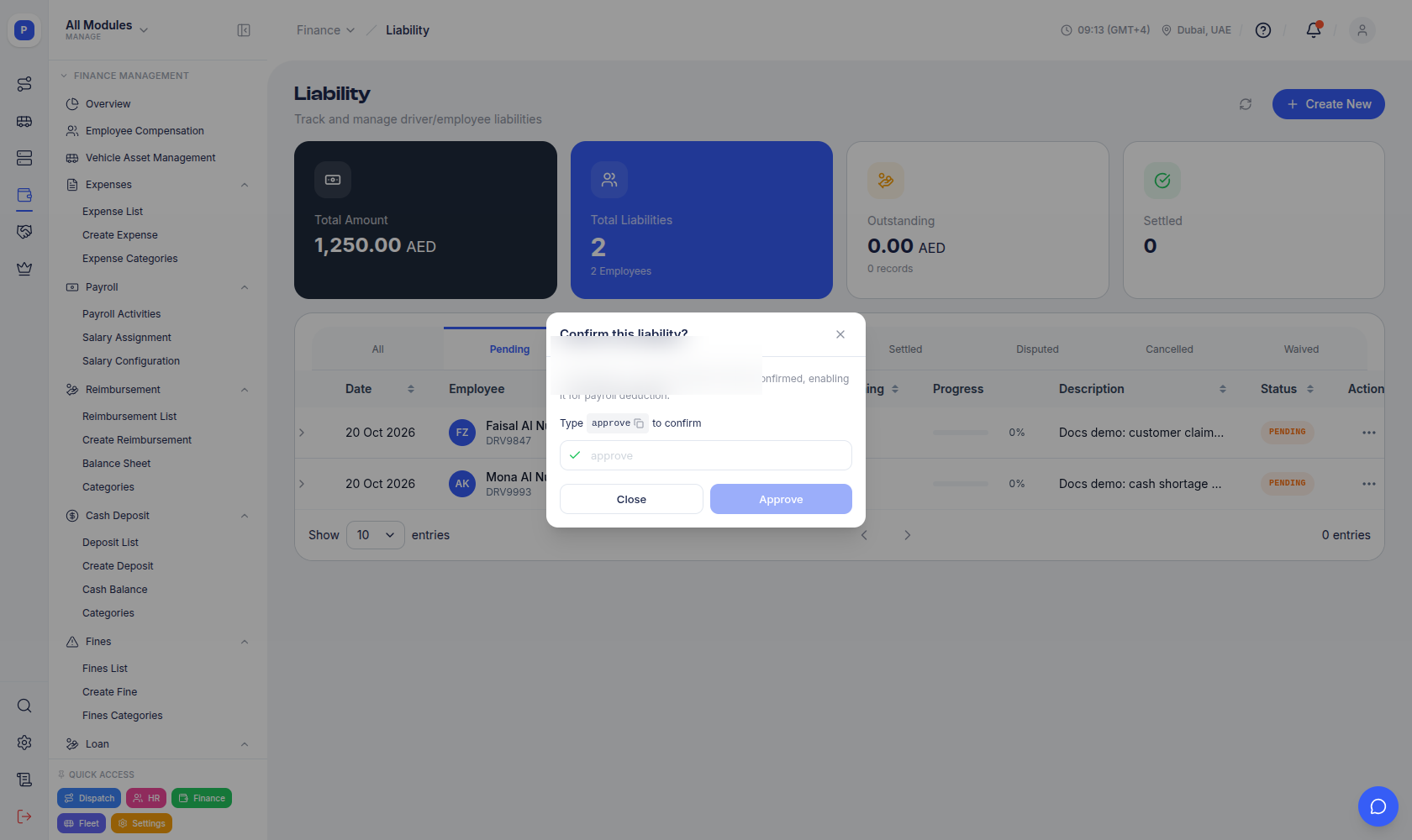
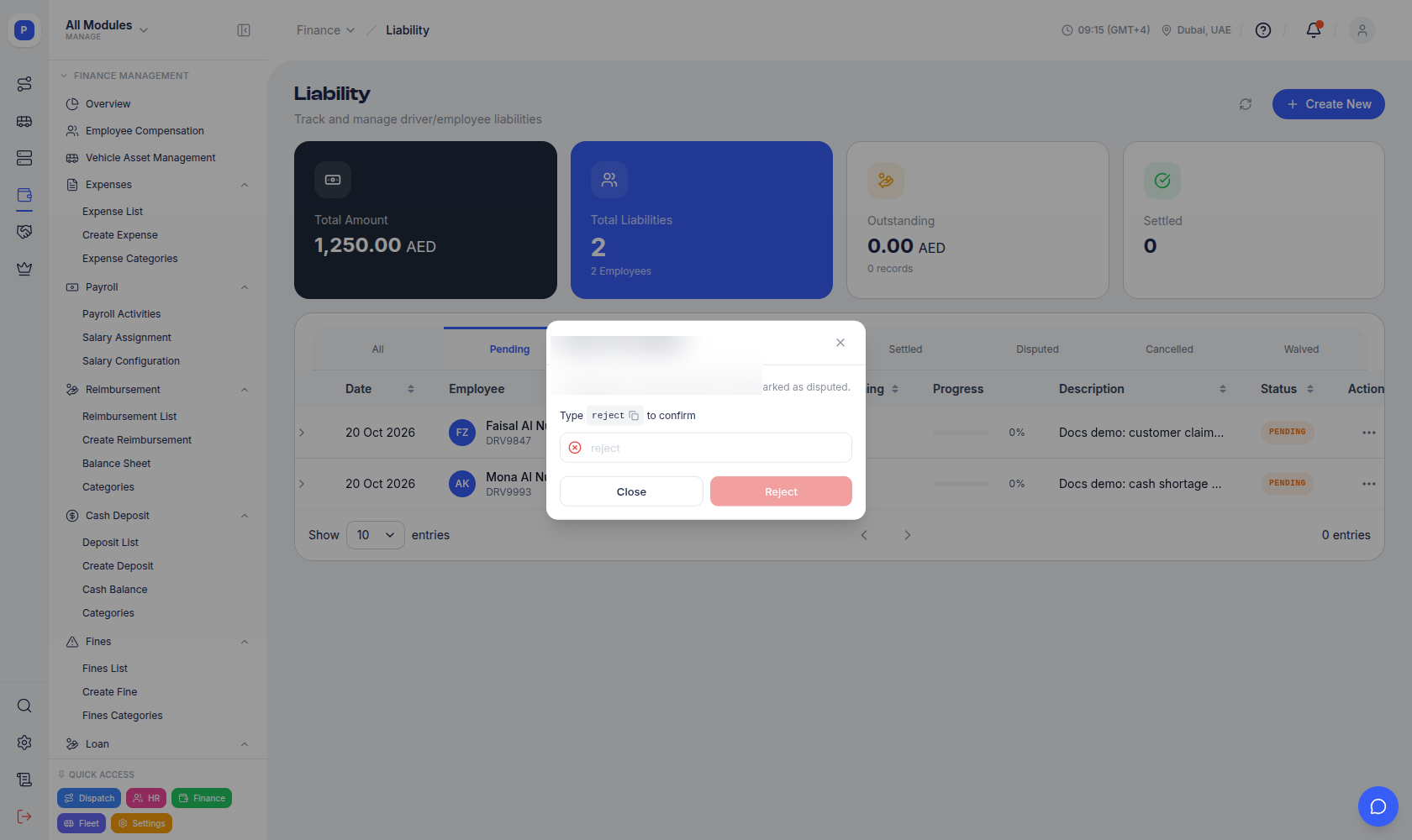
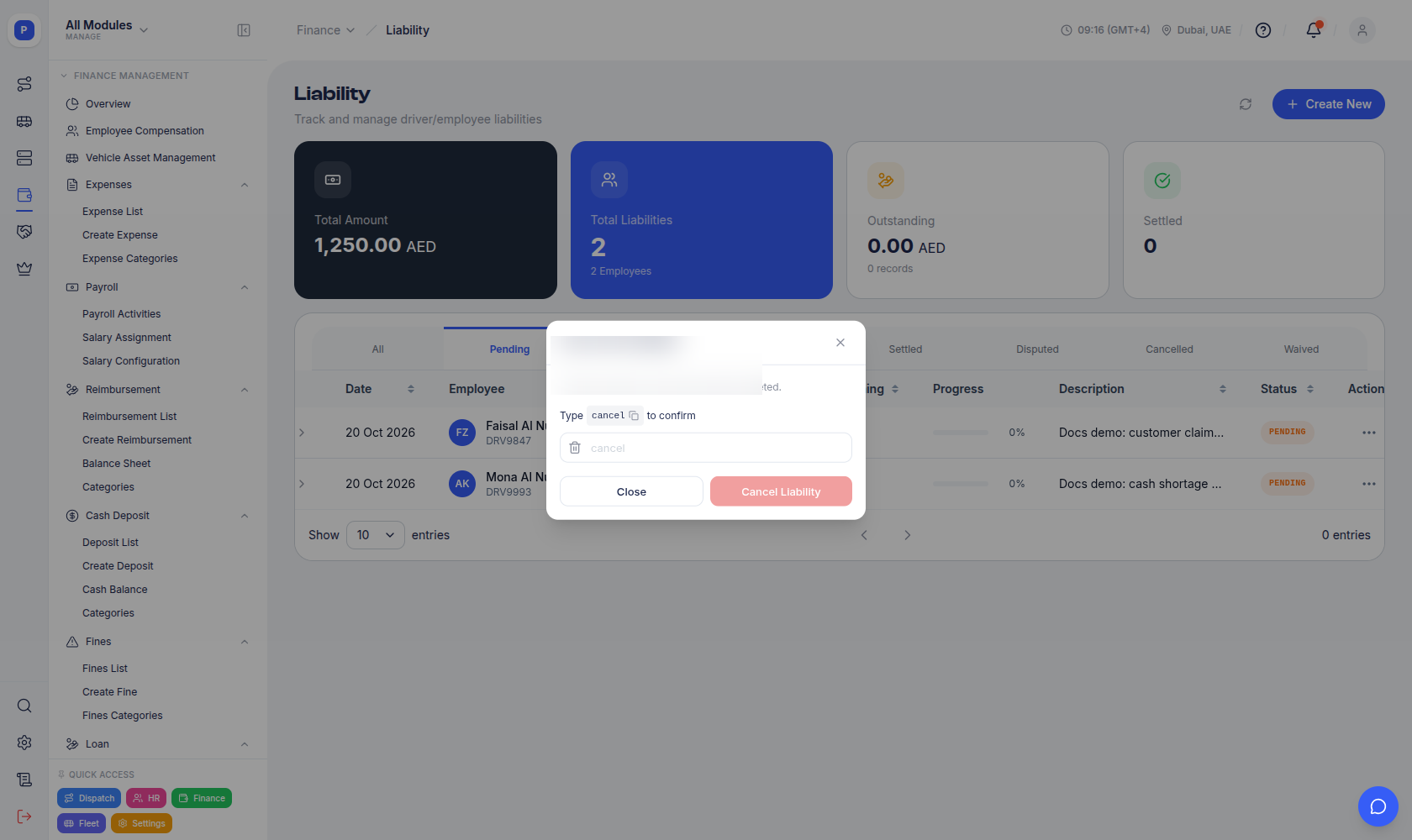
Rules of the server behind the buttons:
- Confirm and Dispute only work on a Pending liability: Liability status must be PENDING. Current: ...
- Cancel is refused for a settled liability (Cannot cancel a liability that has already been settled). A cancelled liability also leaves the list, so the Cancelled tab does not show it.
- Edit only works while the liability is Pending: Can only update liabilities in PENDING status, although the menu offers it for every status except Settled.
- Waiving a liability and recording a payment exist in the API, but there is no button for them in this page. Payments appear when the payroll deduction takes the money (the Salary method).
How a liability is collected
A Confirmed or In Payment liability is taken from the salary by the payroll:
- A liability with a Deduction Percentage or a Fixed Monthly Deduction is deducted gradually, a part each payroll period.
- A liability with neither is taken in one go by the Payroll Deductions batch of the period.
The employee is notified when a liability is recorded (when that notification is enabled for the company).
The footer of the table says 0 entries whatever the number of rows, because the list is loaded one page at a time but the footer is not given the total. The rows themselves are correct; use the status tabs and the page size to move through them.