Create Liability
Record a liability for an employee, and change it while it is still pending.
Finance > Liability > Create Liability (or Create New on the Liability list) opens the Add Liability page (Record a new driver/employee liability), the form that records a liability. It needs the add permission of Liability Management.
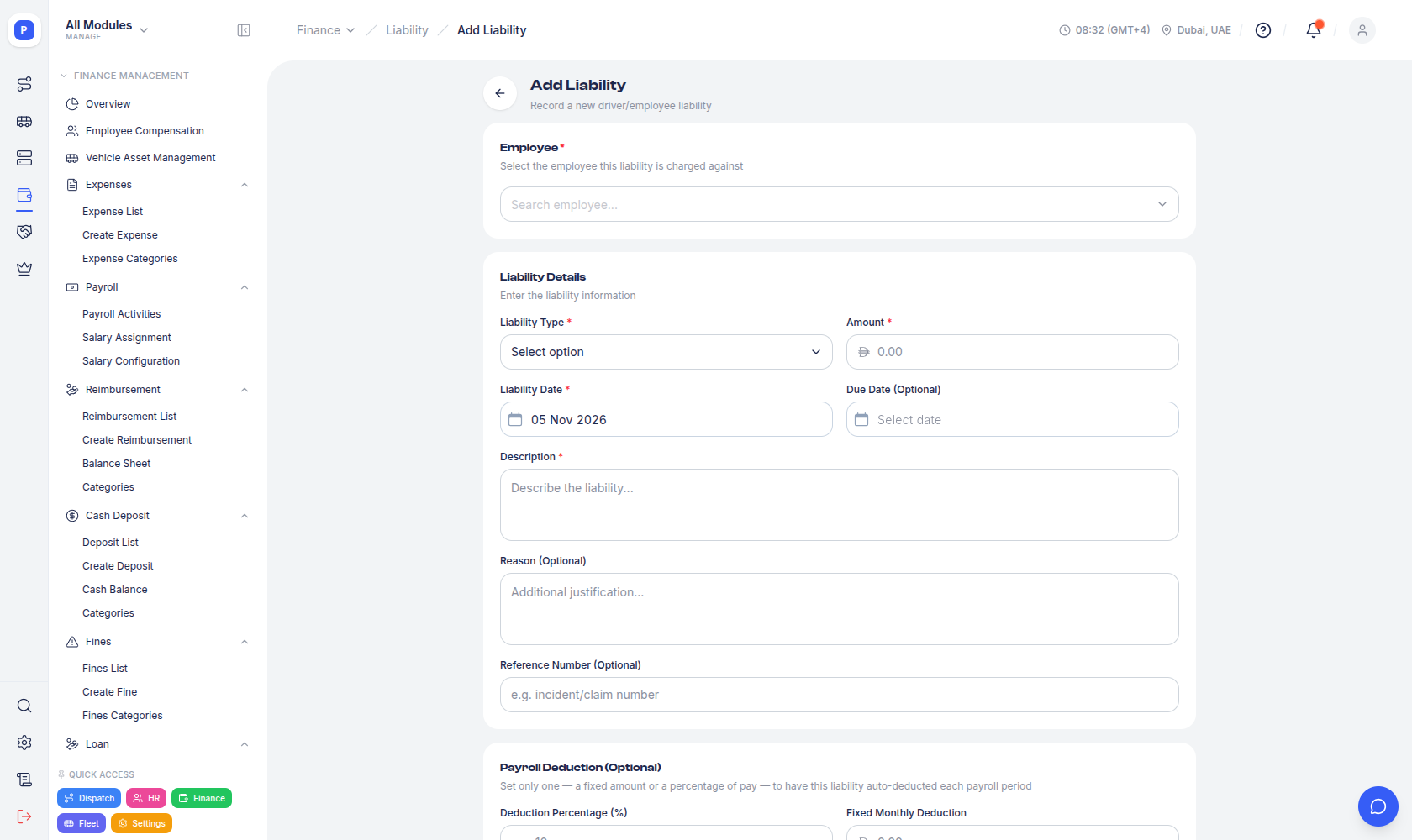
The form
Employee (Select the employee this liability is charged against) - search the employee by name (Search employee...) and pick one. The server refuses an employee that is not in your company (Employee with ID ... not found).
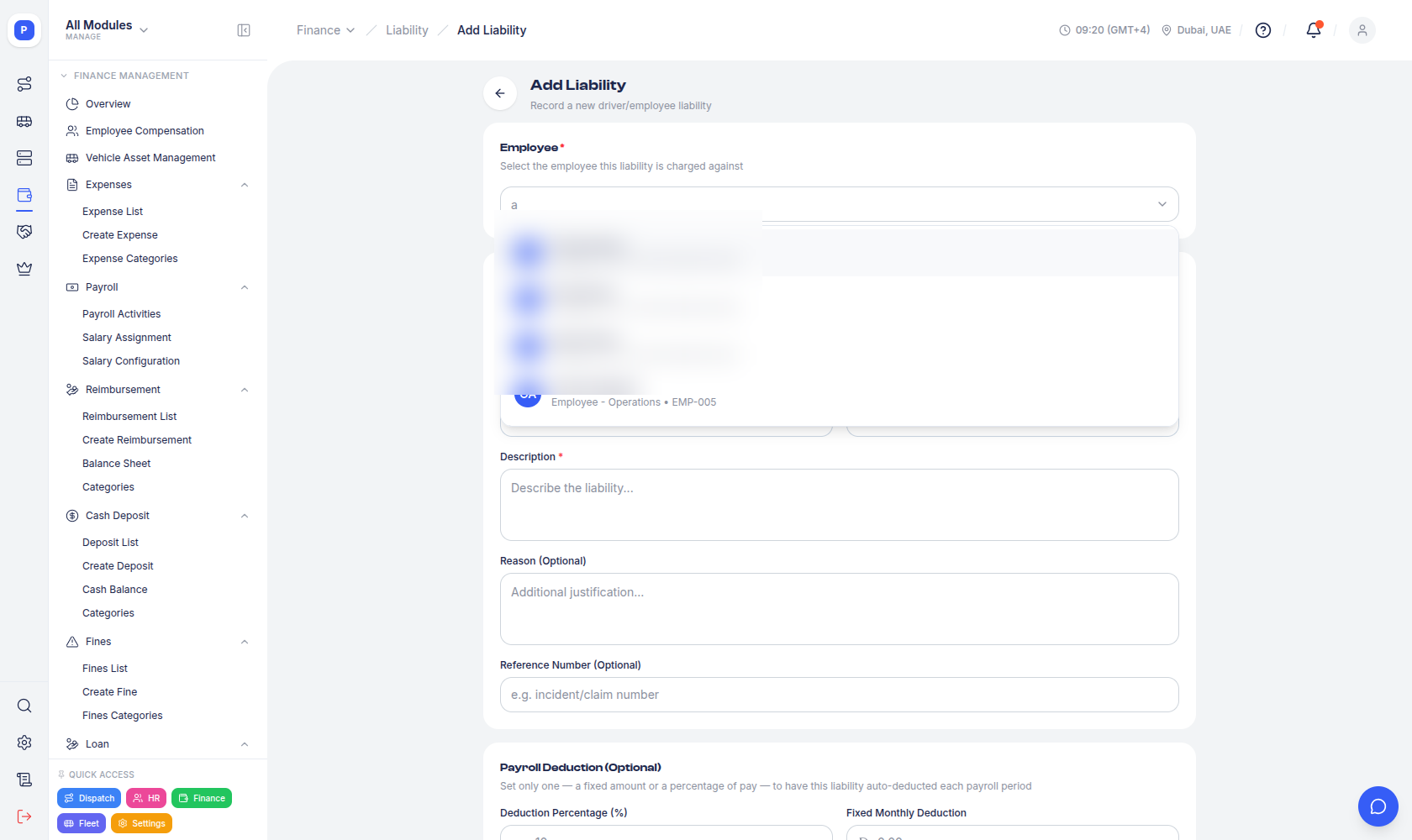
Liability Details
| Field | Required | Notes |
|---|---|---|
| Liability Type | Yes | Fine Overflow, Accident Damage, Vehicle Damage, Customer Claim, Company Property, Cash Shortage or Other |
| Amount | Yes | More than 0 |
| Liability Date | Yes | When it happened |
| Due Date (Optional) | No | By when it should be settled |
| Description | Yes | Describe the liability... |
| Reason (Optional) | No | Additional justification... |
| Reference Number (Optional) | No | For example an incident or claim number |
Payroll Deduction (Optional) - Set only one - a fixed amount or a percentage of pay - to have this liability auto-deducted each payroll period:
| Field | Notes |
|---|---|
| Deduction Percentage (%) | A share of the pay taken each period |
| Fixed Monthly Deduction | A fixed amount taken each month |
Set one of them or none: both together are refused: the form shows Only one of percentage or fixed deduction may be set under Fixed Monthly Deduction, and the server refuses the same combination (Only one of deduction_percentage or fixed_monthly_deduction may be set), also when you edit. With neither, the whole remaining amount is taken in one go by the payroll deduction batch (see Liability).
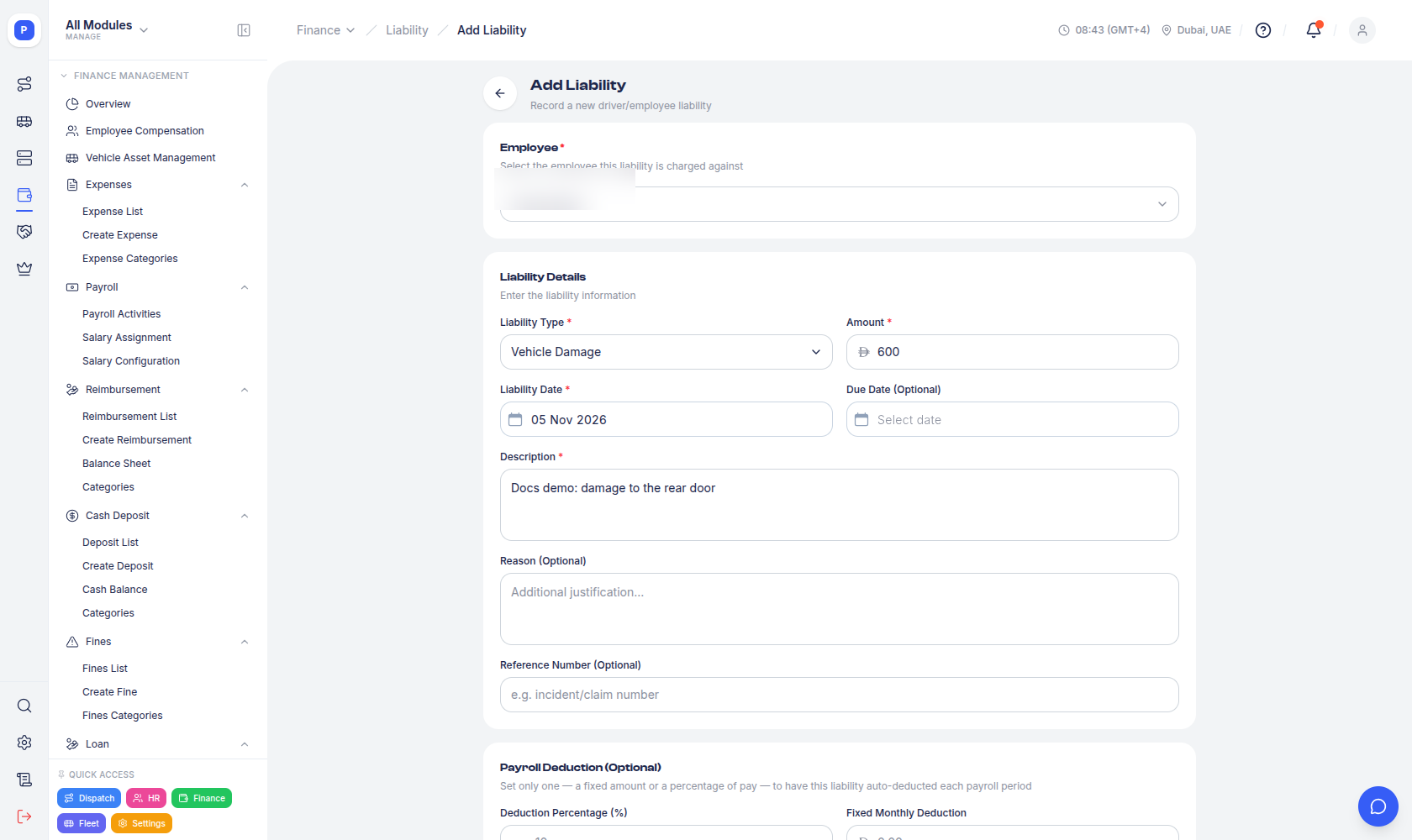
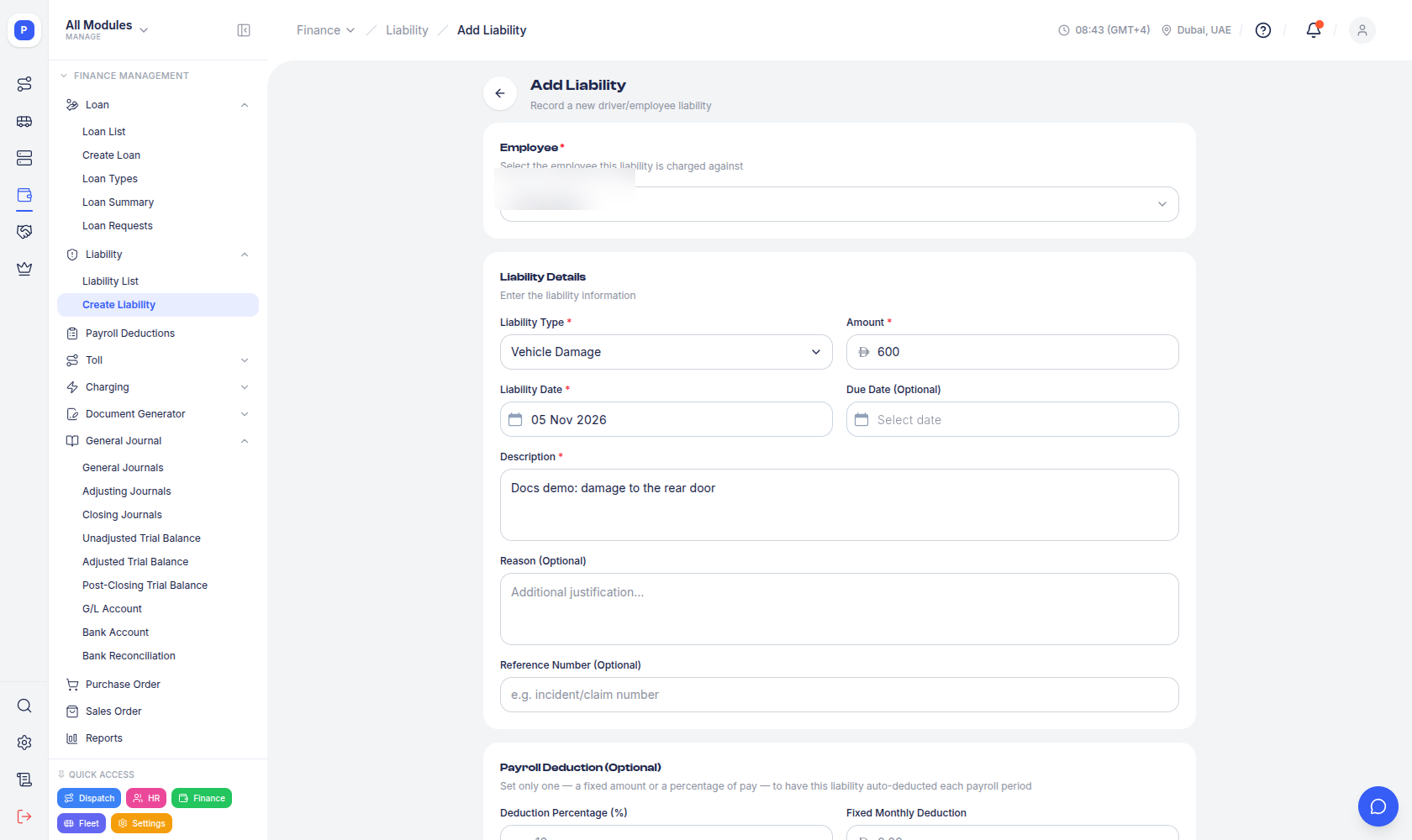
The empty required fields show their message when you leave them (Employee is required, Liability type is required, Amount must be greater than 0, Description is required, Liability date is required).
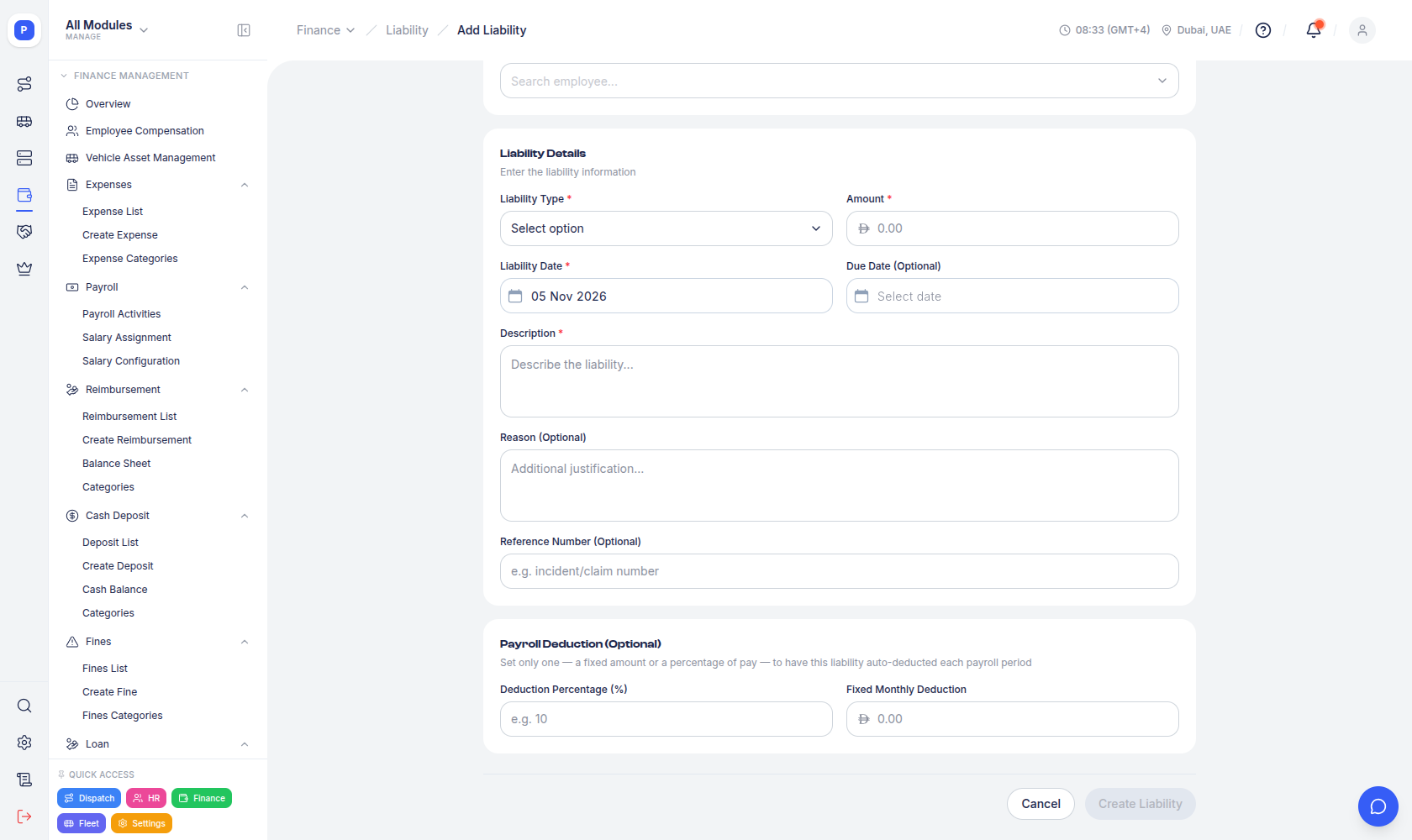
After you save, the page answers Liability created successfully and returns to the list. The new liability is Pending and has to be confirmed.
Editing a liability
View Details and Edit both open the same page, filled in with the liability, with the same fields as above.
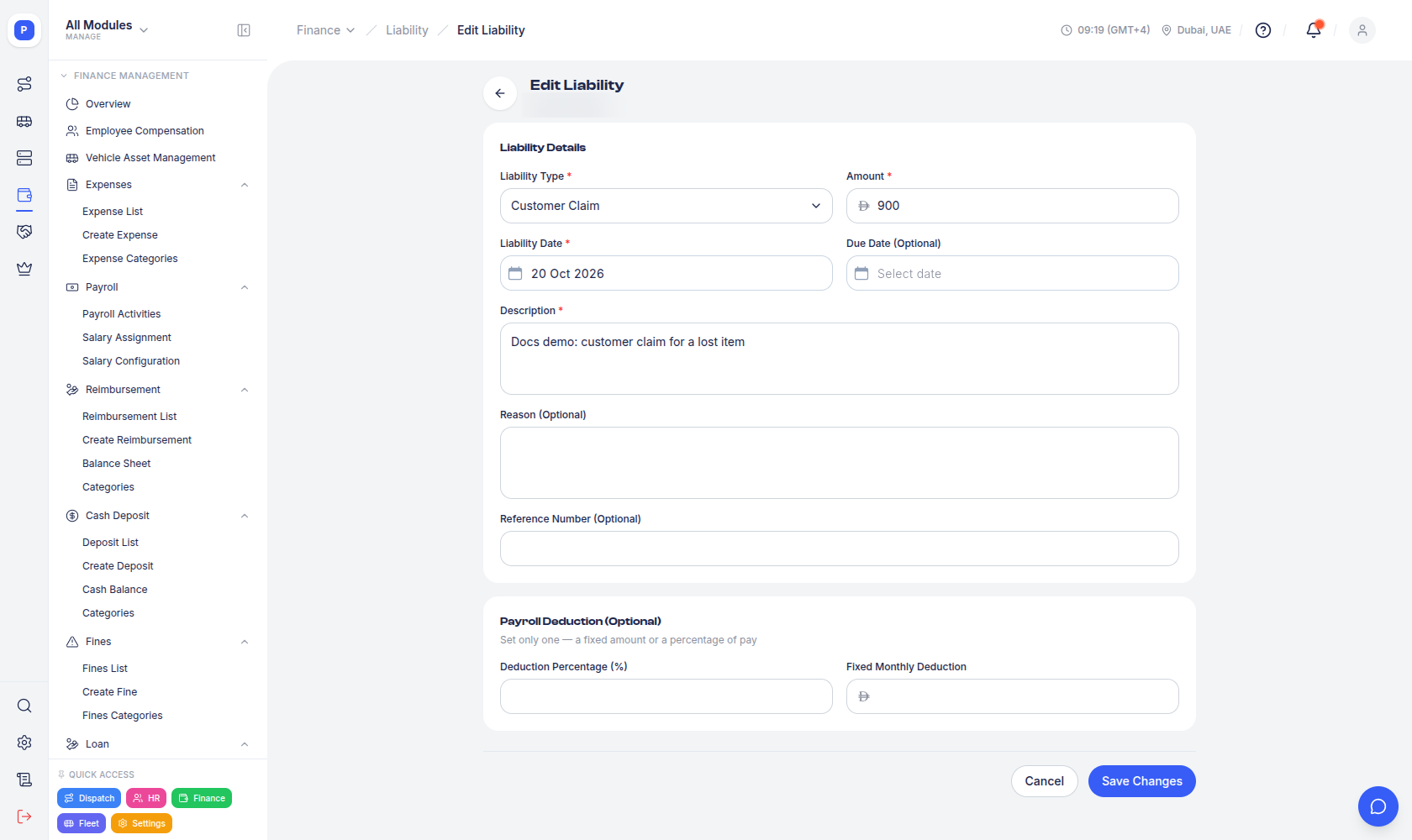
Save answers Liability updated successfully. The server only accepts the change while the liability is Pending: for any other status it answers Can only update liabilities in PENDING status and the page shows that message.
Liability
The Liability list - amounts an employee owes the company after damage, a shortage or a claim, and how they are confirmed, disputed, cancelled and settled.
Document Generator
Generate the company's formal letters as PDF - vehicle registration and ownership transfer NOCs, court / MOHRE / Al Adheed claims and debt acknowledgement letters - and keep every one of them in a list.